Every account, side by side.
Atrium Browser is the multitab browser: one window holds many logins to the same site, all at once, each one signed in. No logging out, no Chrome profiles, no second browser. And with the built-in Model Context Protocol (MCP) server, your AI assistant can read and drive every account you allow it into, too.
Free for up to three accounts · macOS 14 and later · one-time $29 to own Pro · Premium membership optional
Every saved password exported to one encrypted file and restored into a completely empty install, then read back and compared entry by entry. All of them came back identical.
Control. Three of the nineteen exist only so the other sixteen cannot pass by accident: one proves the plaintext search can find a password when one is really there, one proves the destination profile was genuinely empty first, and one clears the cache so the comparison reads the disk rather than memory. 2026-08-13.
The app changed its name on 14 August 2026. On macOS the key that decrypts your cookies and passwords is named after the app, so a rename normally throws it away quietly. This one did not: the file is byte for byte what it was, and no second key was created.
Control. The same rename run again without the fix read back 0 of 5 and raised no error at all, which is how we know the pass is the fix working rather than the test being blind. Six runs, 2026-08-13.
Anything you load as an extension is stopped from reaching into payment and verification frames, applied when the extension is staged rather than trusted to declare it. Measured against the exact browser engine the app ships.
Control. A second frame that should still be reachable did run in the same test. Without it, an extension that simply failed to load would look like perfect protection. 2026-08-13.
The suite that ships with the build, run on the current version. Three are skipped and counted as skipped rather than folded into the pass number.
Control. Several of these tests are proven by deliberately breaking the thing they guard and watching them go red, which is the only way to know a green suite means anything. 2026-08-14.
Every figure here is read from this project's own build record on the date beside it, and each one names the check that proves it could have come out the other way. None of them is a customer quote.
Drag to reorder. Your layout sticks.
This is the real interaction, live in your browser. Grab any account and drop it where you want it. Every saved Multitab reopens in the order you set.
You have more than one account. Your browser only lets you be one person at a time.
Two work handles and a personal one. A client's dashboard and your own. Your airline accounts, your hotel points, your family's logins. To move between them you log out, log back in, and lose your place, all day. An incognito window buys you a second session, then falls apart the moment you need a third.
Chrome profiles and a second browser still only show you one account at a time. Atrium Browser shows you all of them at once, each one signed in, side by side.
Each tile holds its own login. Sign in once per account; it stays signed in.
See them all together in a tiled gallery, not one-at-a-time behind a profile switch.
Save a layout once and reopen the whole set by name, any time.
Three steps, then it just opens.
Pick a site. Point a new gallery at any website. Each tile loads its own isolated session.
Sign in to each tile once. A different account in every tile. They stay signed in.
Save the layout. Name it, reopen the whole set any time, or launch it from Spotlight.
One saved layout opens every account.
A Multitab is one saved layout that opens a set of isolated logins side by side. Pick a destination, choose how many accounts, and Atrium Browser lays them out in a clean gallery, each in its own signed-in session.
Build a Multitab for your airline and hotel programs, your family's loyalty accounts, your team's shared tools, or your streaming profiles. Open it, and you are in all of them at once.
A real Multitab, open and live: name a layout, sign in to each tile once, reopen the whole set any time.
Every kind of account, in the same window.
The same tool fits a social manager's client roster, a family's travel, a bookkeeper's client books, an agency's ad accounts, a seller's storefronts. Here are a few, captured live: real sites, side by side, each its own separate session.
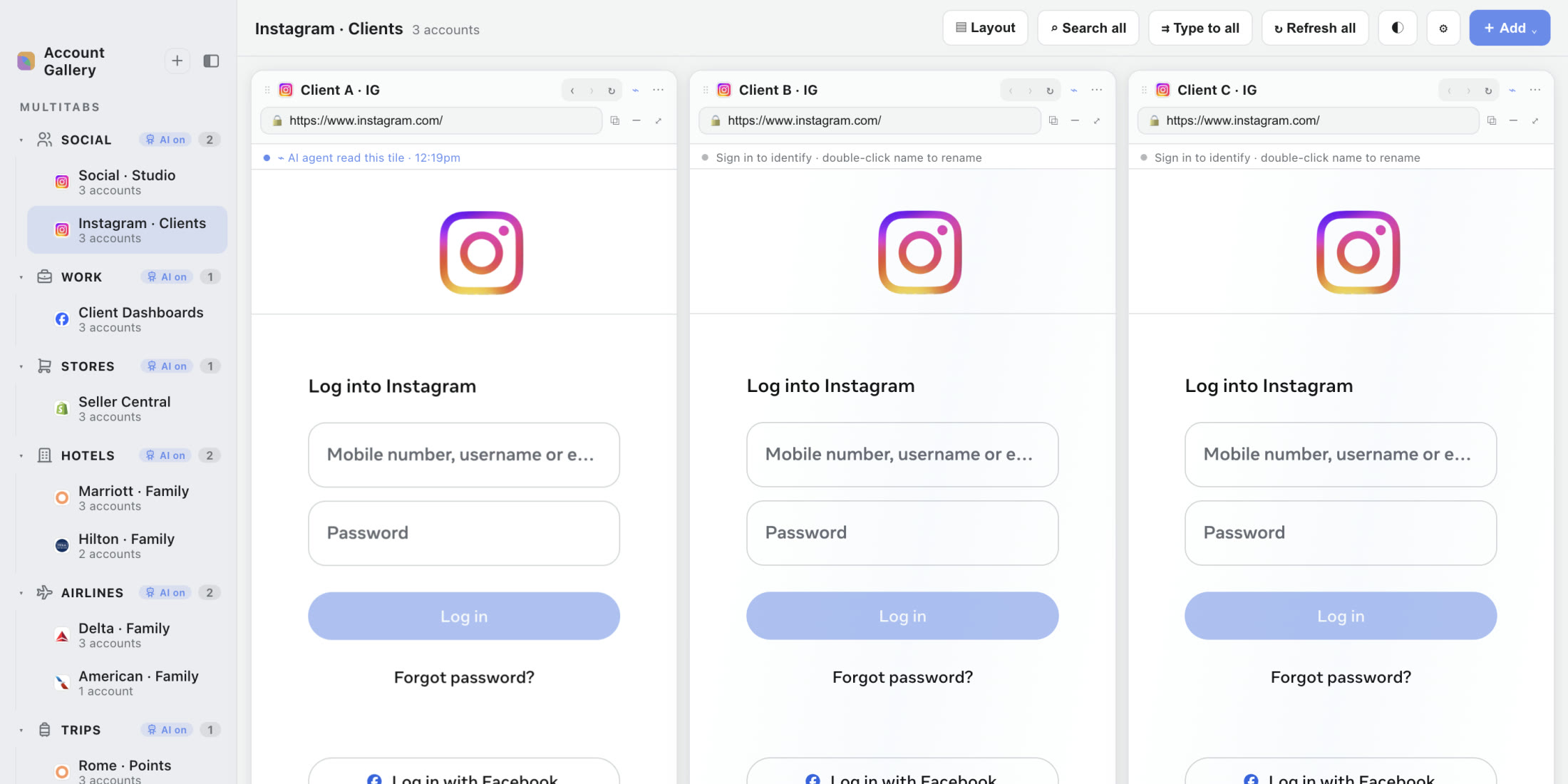
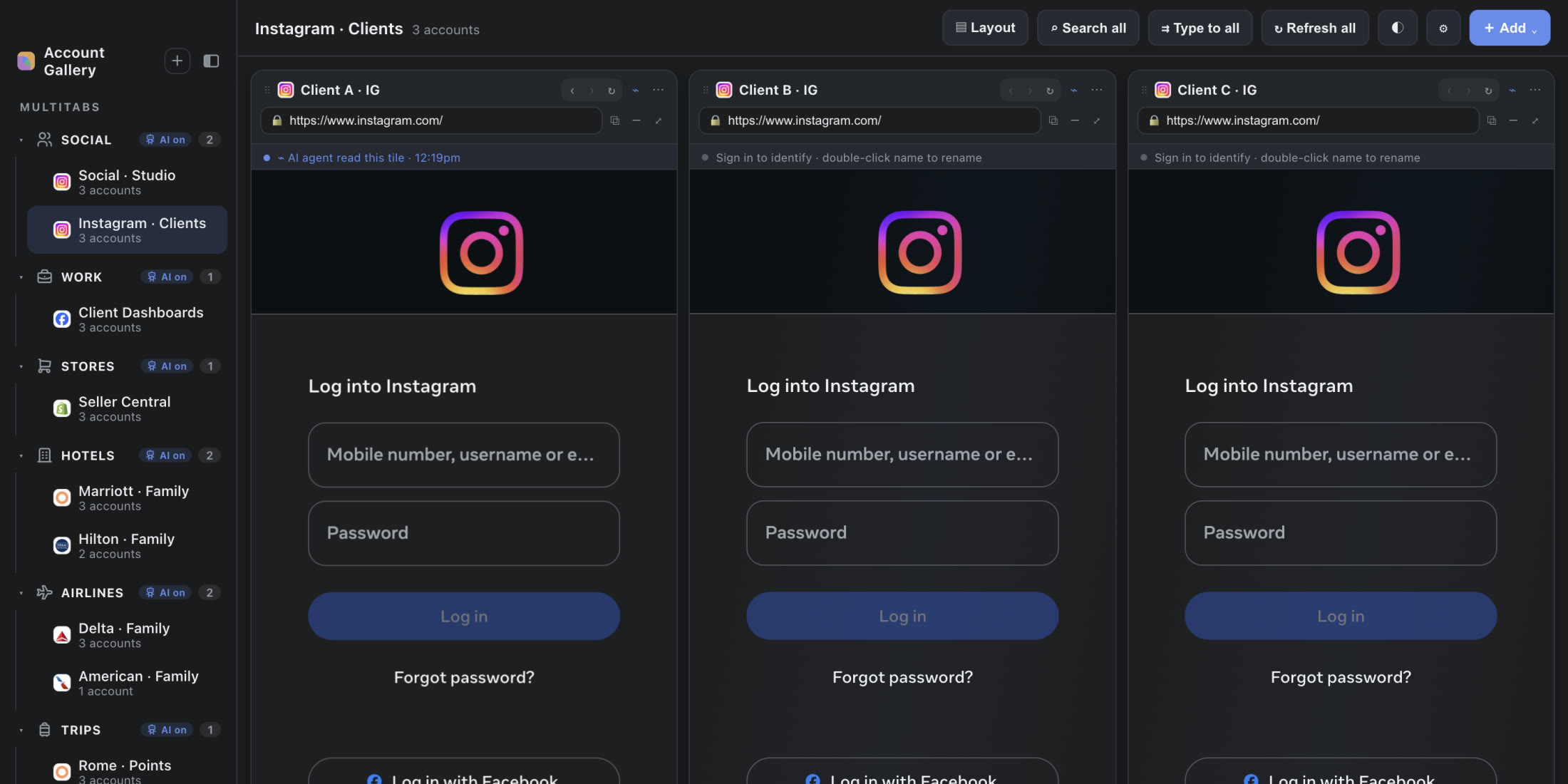
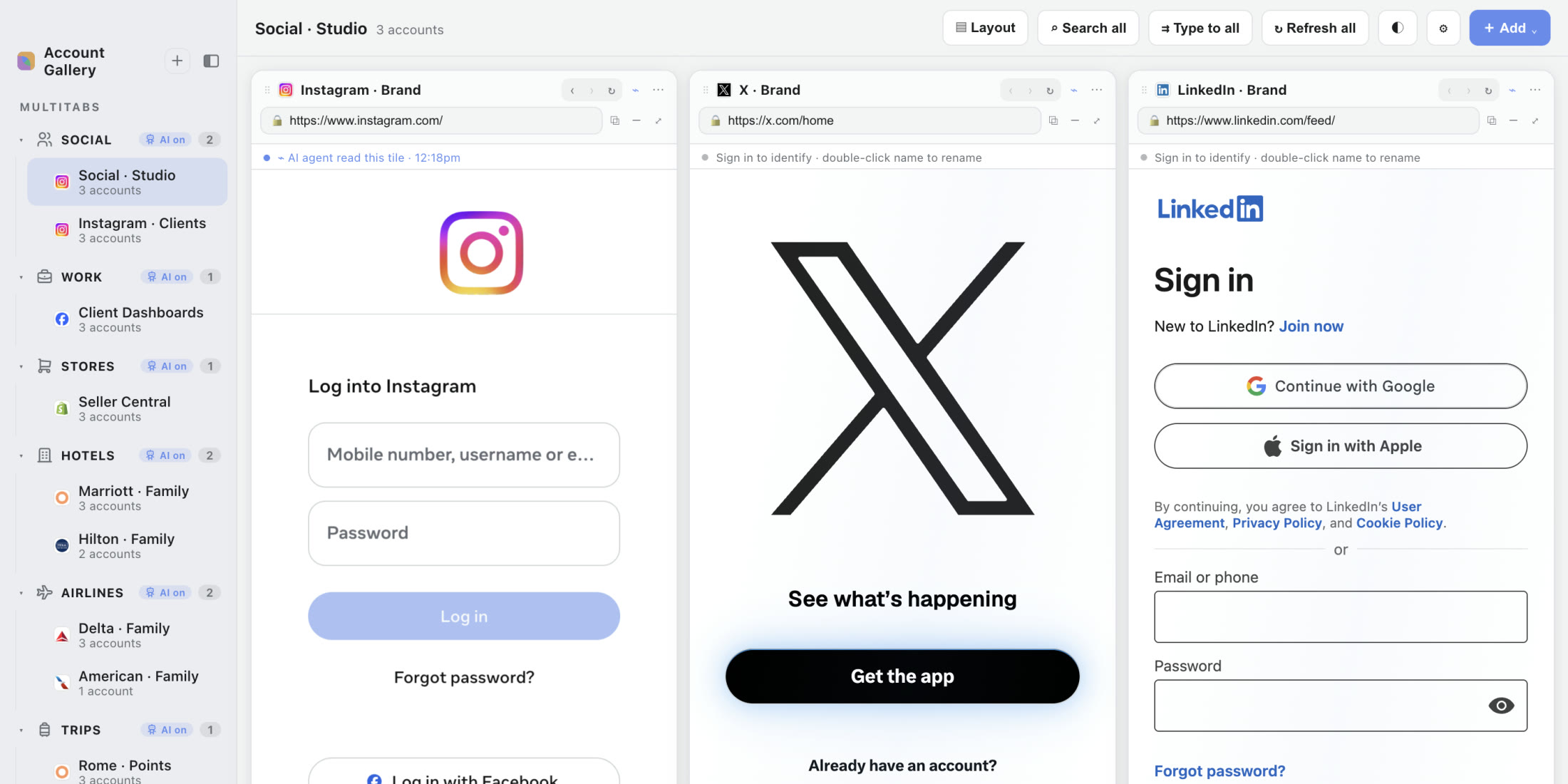
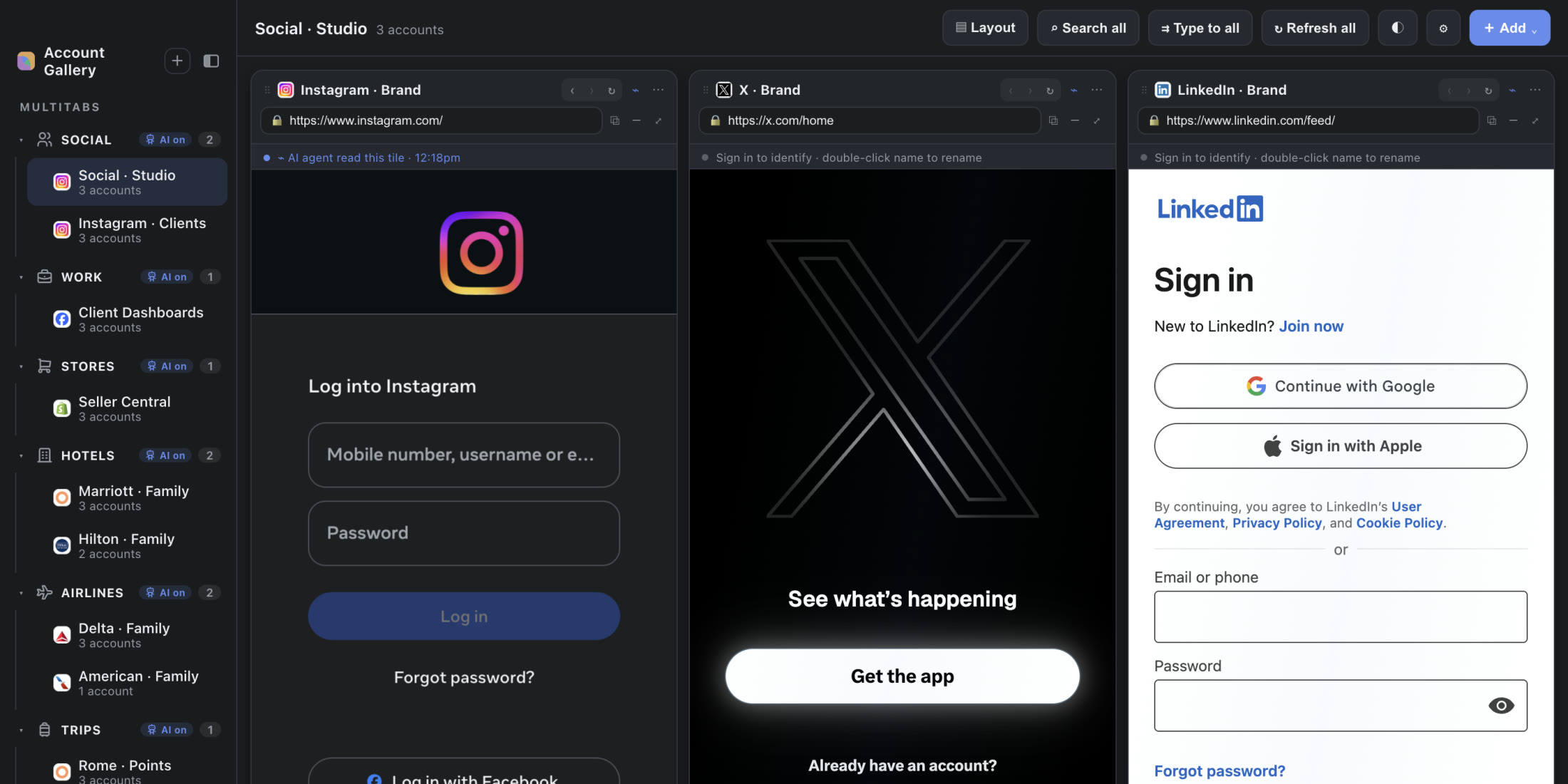
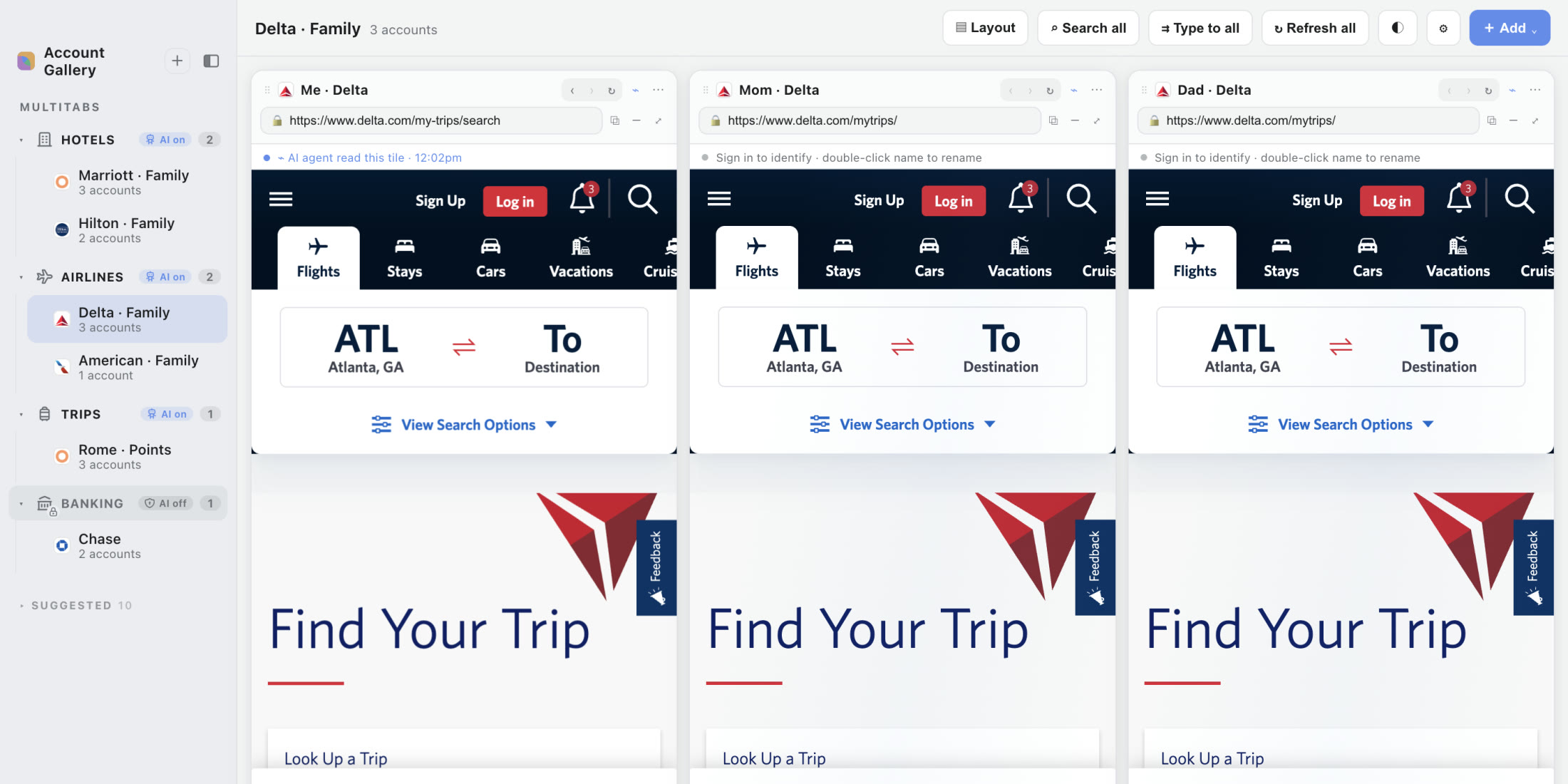
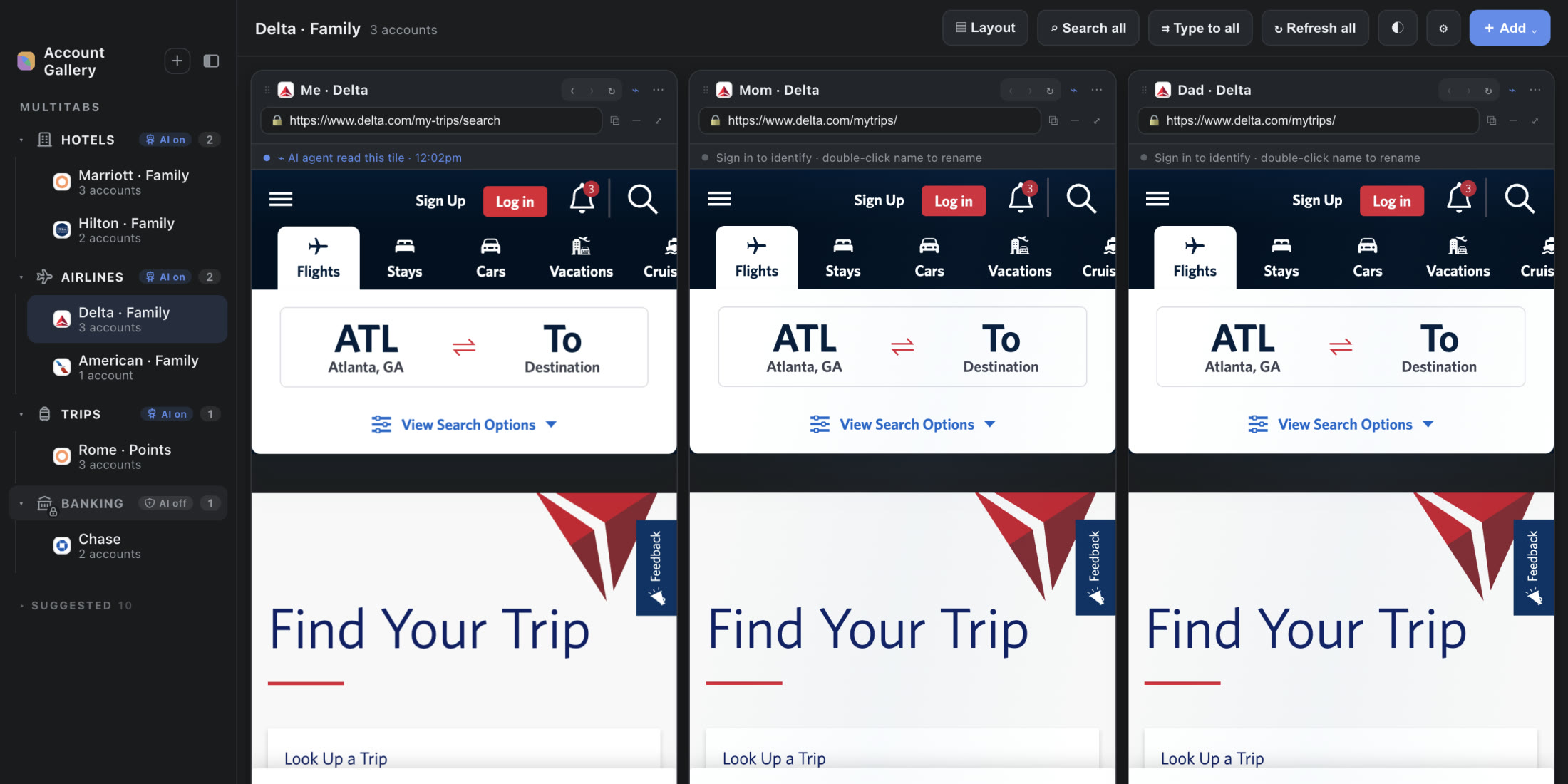
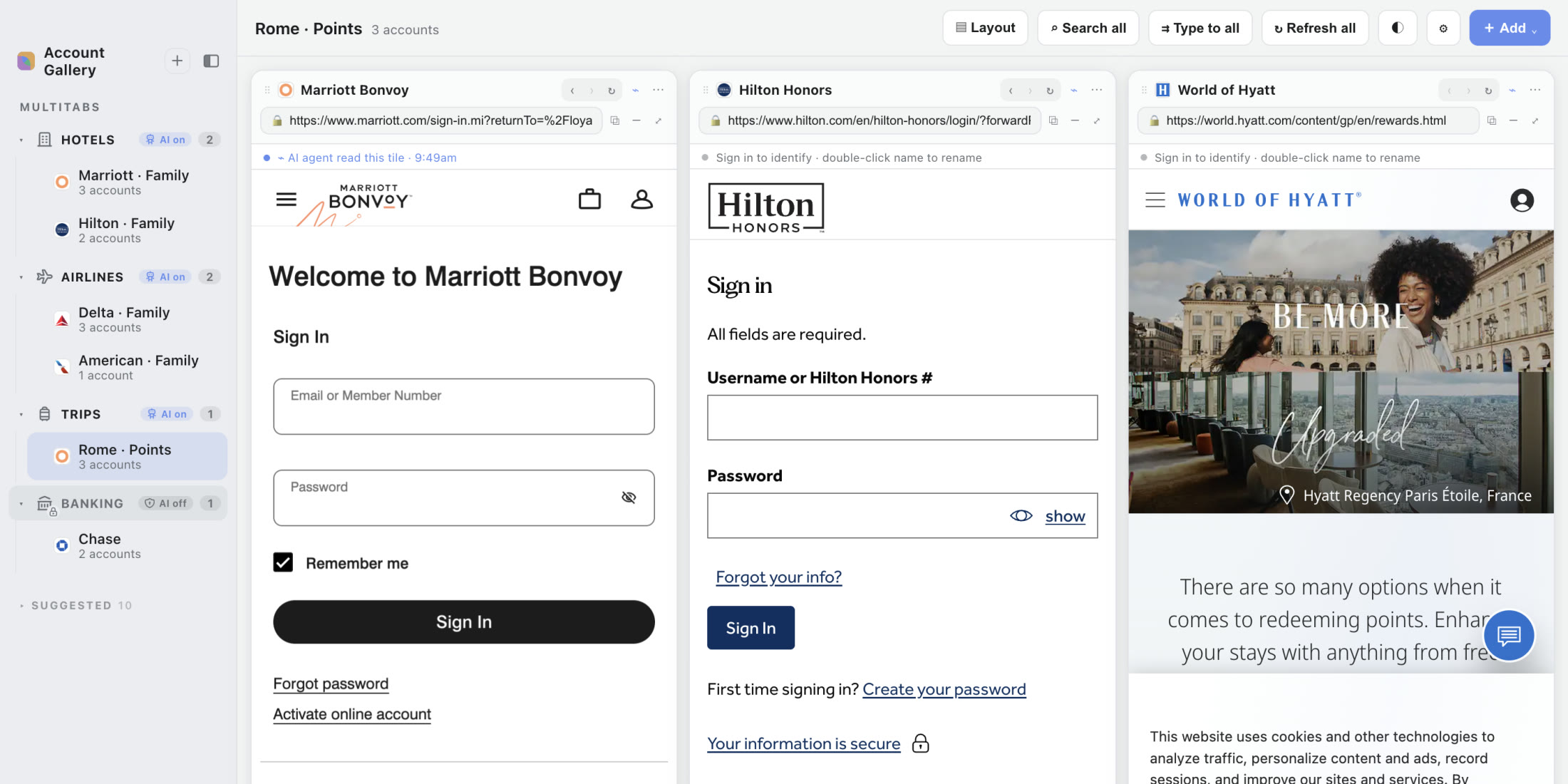
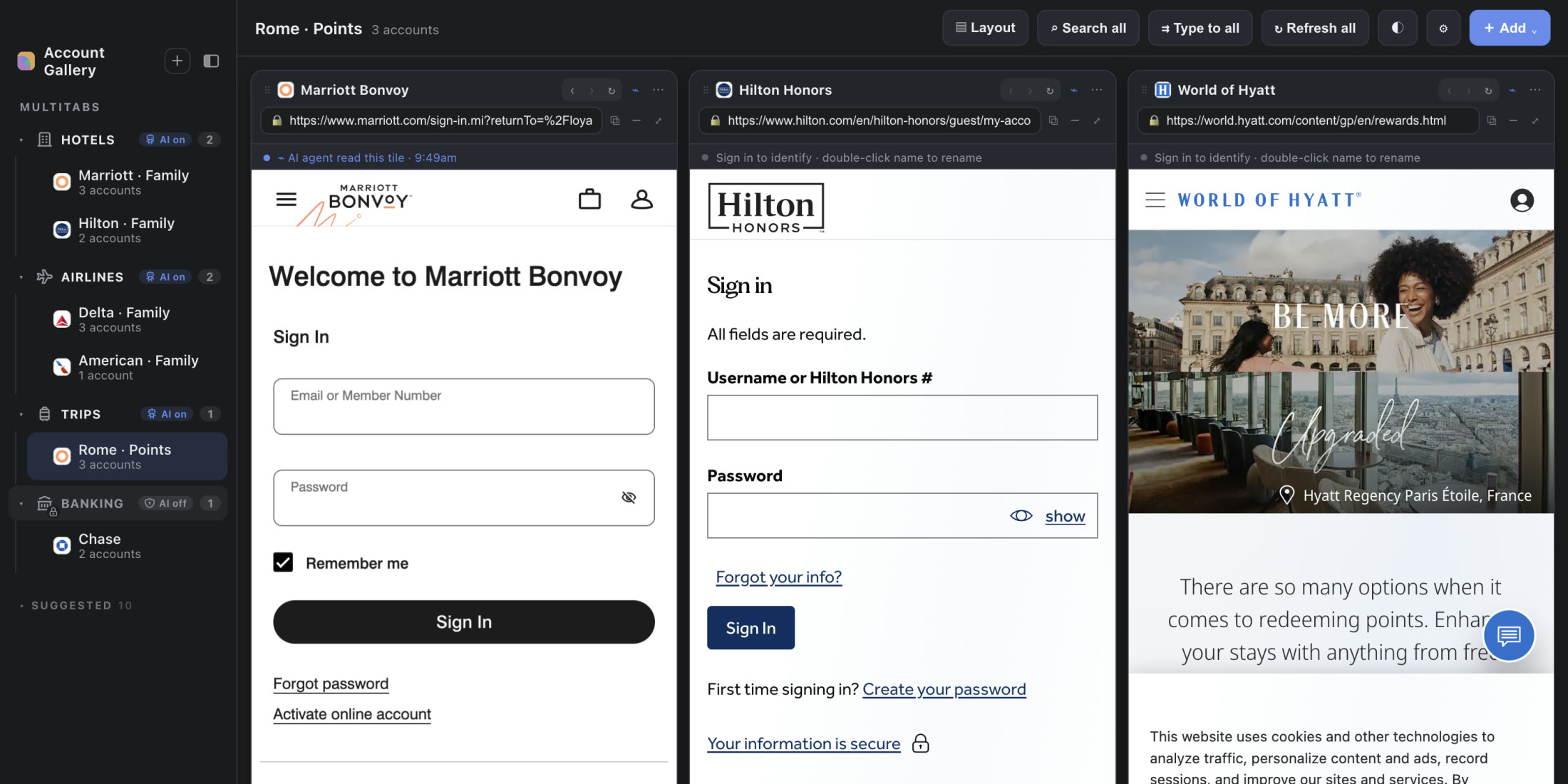
Every tile is a real, live capture of the actual site, signed out here for the demo. Ad managers, bookkeeping (QuickBooks, Xero), and seller consoles (Etsy, Shopify) work the same way once you sign in.
Your AI assistant can drive every account.
The server itself is local, loopback only, and answers only your own MCP client. Once you connect an AI client, what that client does with what it reads is governed by the client's own privacy terms, not ours.
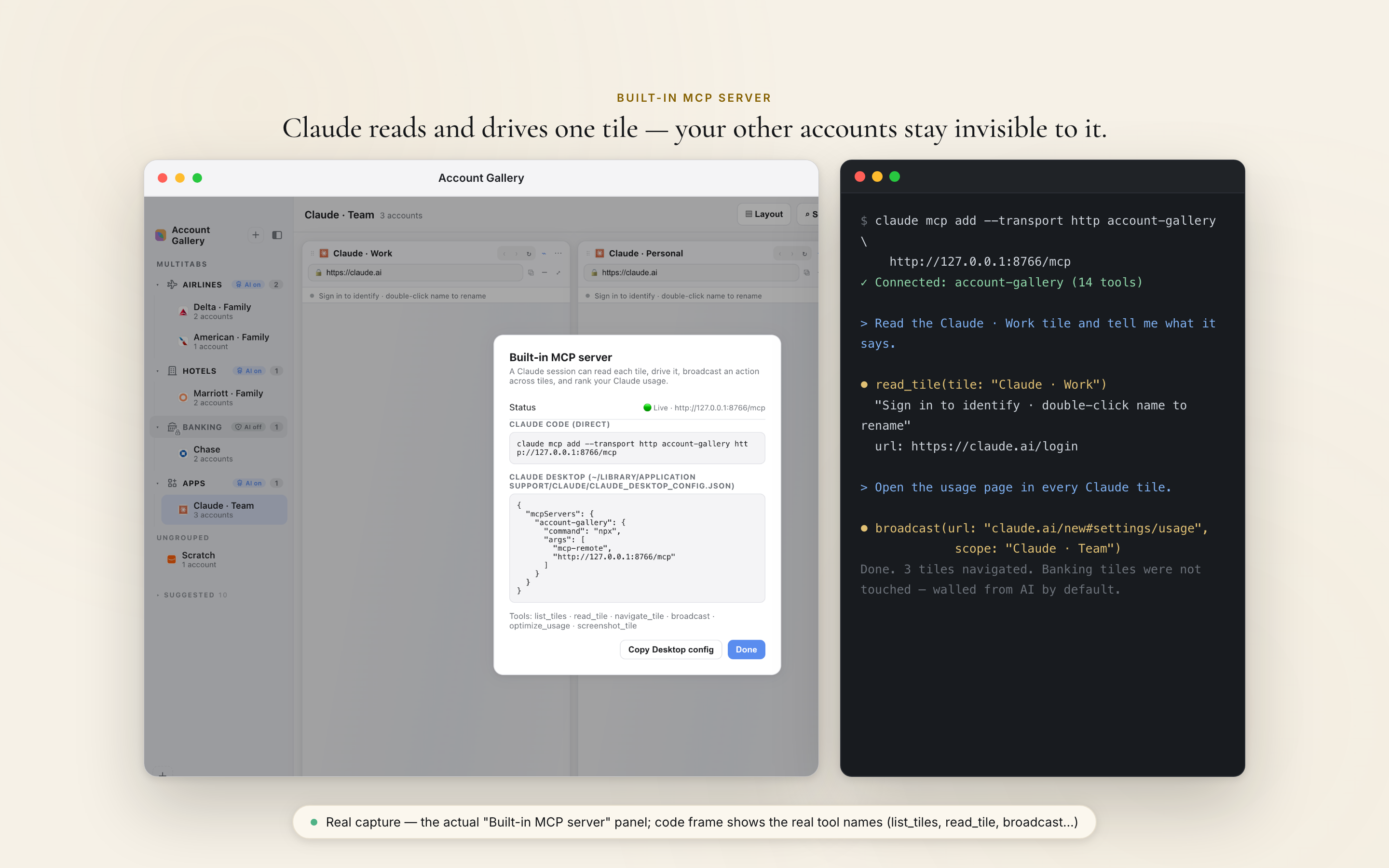
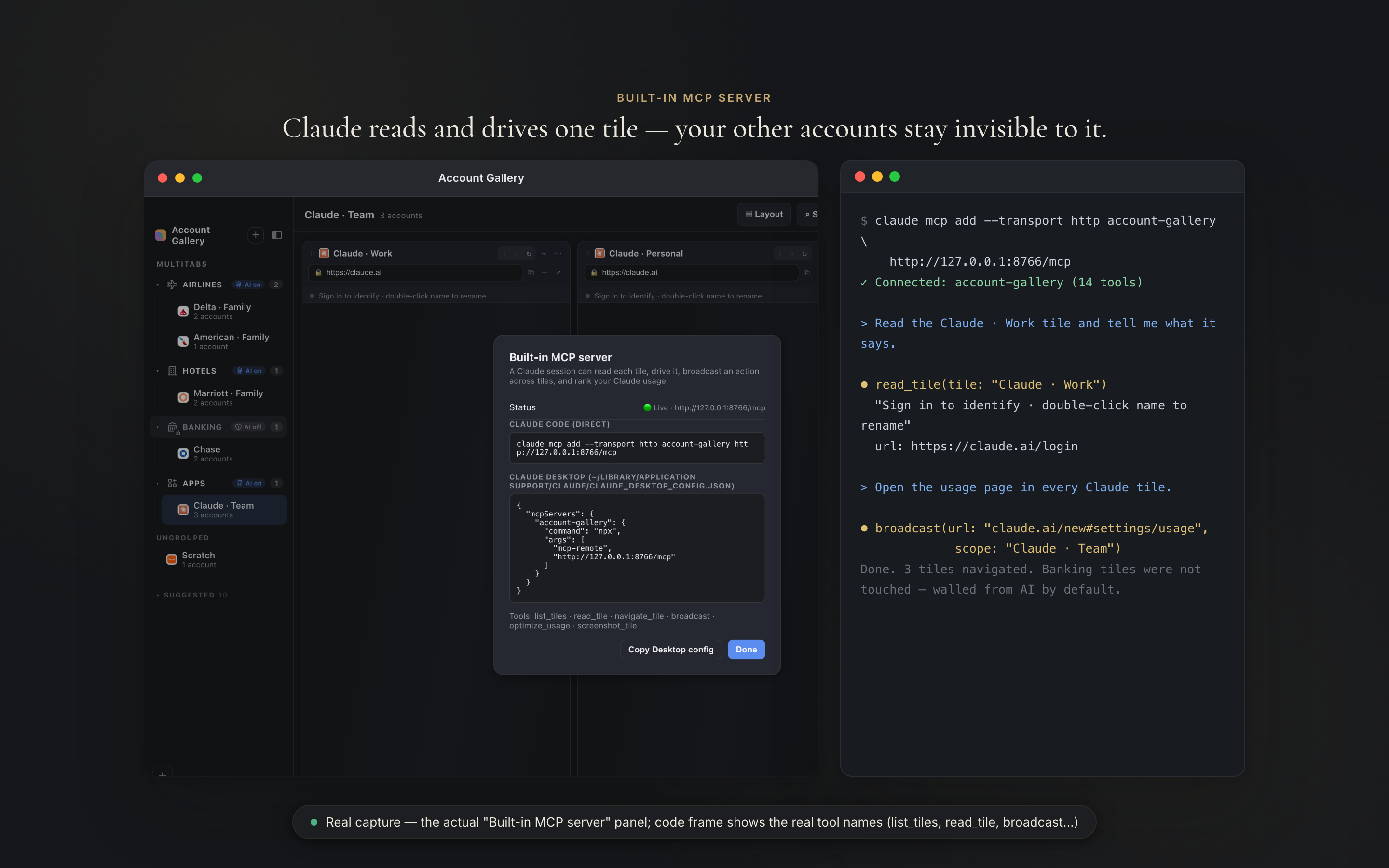
Atrium Browser ships with a built-in MCP server, the open standard AI assistants use to work with apps. Connect Claude (or any MCP client) in one line, and it can read every tile except Banking, Cards, and Investing (walled off by default), navigate them, act under each account, and answer questions across all of them at once.
Thirteen tools out of the box: list and read your tiles, navigate one or broadcast to all of them, click, fill, and submit forms, wait for a page to settle, read the page structure (Document Object Model, DOM) or network activity, run a saved flow, read loyalty balances, and take screenshots. It all runs on your Mac: the server listens on a loopback address, answering only your own machine.
None of the five tools compared below combines a simultaneous tile view with a built-in MCP server. Anti-detect tools sell automation APIs built for scripts and scrapers; Atrium Browser hands your everyday AI assistant the accounts you already keep open, locally and safely.
And because every tile is a normal, visible browser, you stay in charge: the agent works inside sessions you already signed into, and if a login or verification challenge ever appears, it shows up in the tile and you handle it yourself.
$ claude mcp add --transport http account-gallery \
    http://127.0.0.1:8765/mcp
✓ Connected: account-gallery (36 tools)

> Read our hotel points across every tile and tell me who to book under.

⏺ broadcast(url: "…/loyalty")
⏺ read_tile(1) · read_tile(2) · read_tile(3)
  Hilton · Dad        1,284,500 pts · Diamond
  Marriott · Mom      642,180 pts · Titanium
  Hyatt · You         318,940 pts · Globalist

Dad's Hilton covers six free nights in Rome. Book under his account.
An illustrative session: the real tool names, driving real tiles on your Mac. The server keeps its original id, account-gallery, so a config written before the rename still connects.
A separate browser session in every tile, kept signed in and current.
Per-tile login isolation
Open the same site in every tile and stay signed into a different account in each. Every tile has its own persistent data store, so logins never bleed across.
Saved Multitabs
Keep your layouts in a sidebar of multi-bookmarks. Create, rename, duplicate, and delete sets of accounts as your day changes.
Launch by name
Open a saved layout straight from Spotlight or Alfred. Type a session name and the whole gallery opens.
AI agents, built in
A local MCP server lets Claude or any MCP client read, navigate, and act in every tile. Loopback only, on your Mac, included free.
Keep logins fresh
Tiles automatically reload on a cadence you set, so sessions stay warm and live data stays current.
Follow, Focus, full controls
Follow mode drives every tile from one address bar; Focus spotlights one and dims the rest. Back, forward, reload, and an address bar in every tile.
Light on your Mac
Only the tiles you are looking at run live; the rest freeze to a snapshot, and the whole grid suspends when the window is in the background. Tiles load one at a time instead of all at once, so even a full gallery stays easy on your Mac.
Most professionals now run several accounts at once.
The same names come up over and over: managing several clients, several brands, or a whole family's logins on sites that only let you be one person at a time. Real examples, with the real tools people already use.
Bookkeepers & accountants
QuickBooks Online, QuickBooks Online Accountant, and Xero, one client's books per tile. Intuit itself will only keep you signed into one at a time; here every client stays open, and your AI can reconcile across all of them.
Social media managers
A brand Instagram, an X account, and a LinkedIn page, all signed in at once. Post, reply, and read analytics without the log-in, log-out loop, and hand the whole set to your AI to draft across.
Ad & marketing agencies
Google Ads, Meta Business Suite, and TikTok Ads Manager, a different client account in every tile. No profile-switching to check spend, and an AI that compares performance across all of them at once.
Virtual assistants
Every client's Gmail, Slack, and Notion open side by side, each signed in. Ask your AI what's new across all of them instead of flicking between a dozen browser windows.
Multi-store sellers
Etsy, Shopify, and your other storefronts, every admin open together. Etsy and Shopify both cap you at one login per browser; open the whole shop in one window instead.
Family travel & points
Marriott, Hilton, and Hyatt, or three Delta accounts for you, Mom, and Dad, side by side, so planning a trip stops being a log-in-log-out chore for the whole family.
Real estate & property
AppFolio, Zillow, and each portal or property-manager login in its own tile, so owners and agents stop logging in and out across brokerages and management companies.
Work and personal
Your work and personal accounts of the same site, open together. Stop signing out of one just to use the other.
Built to be trusted with your logins.
Atrium Browser runs on your Mac. Each tile keeps its login in its own local container, so accounts never share cookies or bleed into each other, and the signed-in identity shows in every tile's header. No fake Internet Protocol (IP) address, no invented location, no hidden identity: your sessions stay in their own containers on your device, each presenting as a normal, current Chrome browser. Proxy routing is there if you want it, per tile, off until you set one up, and it routes traffic rather than disguising the browser.
You are not doing it wrong. The sites really do sign you out.
The limitation Atrium Browser removes is one the platforms document in their own help pages. The fix they recommend is a second browser. Atrium Browser is that second browser, built once, for every one of them.
Open a second QuickBooks Online account in the same browser and it signs you out of the first. Intuit’s own fix: use an incognito window or a different browser.
Intuit / QuickBooks Online help documentation
Most browsers will not let you stay signed in to more than one Etsy shop at a time. Etsy’s own fix: use a different browser for each account.
Etsy Help Center
Klaviyo does not support being signed into multiple accounts at once, so agencies keep a separate browser profile for every client they run.
Klaviyo Community
Paraphrased from each platform’s public help documentation, mid-2026. Named here to show the limitation is real and vendor-acknowledged; these companies are not affiliated with Atrium Browser.
None of the tools below pair a simultaneous tile view with a built-in MCP server.
Plenty of tools hold multiple accounts. Productivity browsers stack them in sidebars you switch between. Anti-detect browsers isolate them behind proxies and monthly fees. Free container extensions isolate but stay one-tab-at-a-time. Atrium Browser shows every account at once, keeps each one signed in, reopens the layout by name, and hands your AI assistant the keys. That combination is the product.
| Capability | Atrium Browser | Shift | Multilogin | GoLogin | Rambox | Firefox Containers |
|---|---|---|---|---|---|---|
| See every account at once (tile view) | ✓ | tabs | switch | switch | sidebar | tabs |
| True cookie and session isolation | ✓ | per app | ✓ | ✓ | ✓ | ✓ |
| Sessions survive restarts, kept fresh | ✓ | ✓ | ✓ | ✓ | partial | bugs reported |
| Saved layouts, launched by name | ✓ | workspaces | ||||
| Built-in MCP server that drives live, signed-in accounts | ✓ | |||||
| Agent acts on one account without exposing the rest | ✓ | |||||
| Real signed-in sessions on your own device | ✓ | ✓ | anti-detect | anti-detect | ✓ | ✓ |
| Free tier | 3 tiles | 5 spaces | 5 profiles | 3 profiles | 1 session | free |
| One-time purchase option (own it) | $29 once | $199.99/yr | $11/mo | $9/mo | $7/mo | free |
Every rival price here was read off that vendor's own pricing page on 14 August 2026, at their cheapest paid tier billed monthly, so you can check any of them in one click: Shift, Multilogin, GoLogin, Rambox. Annual billing is cheaper at every one of them. Multilogin and GoLogin market device-fingerprint spoofing for hiding identity and geography; Atrium Browser does not offer that, and per-tile proxy routing is traffic routing rather than fingerprint spoofing. It does keep each tile's browser engine current so legitimate sessions look legitimate.
Every account you own, in one window, on every device.
Every account you own, organized, carried to your iPhone, and safe to hand to Claude, for a one-time $29, with an optional Premium membership when you want hosted AI. Every screen below is the app's own interface on a sample gallery, never anyone's real account.
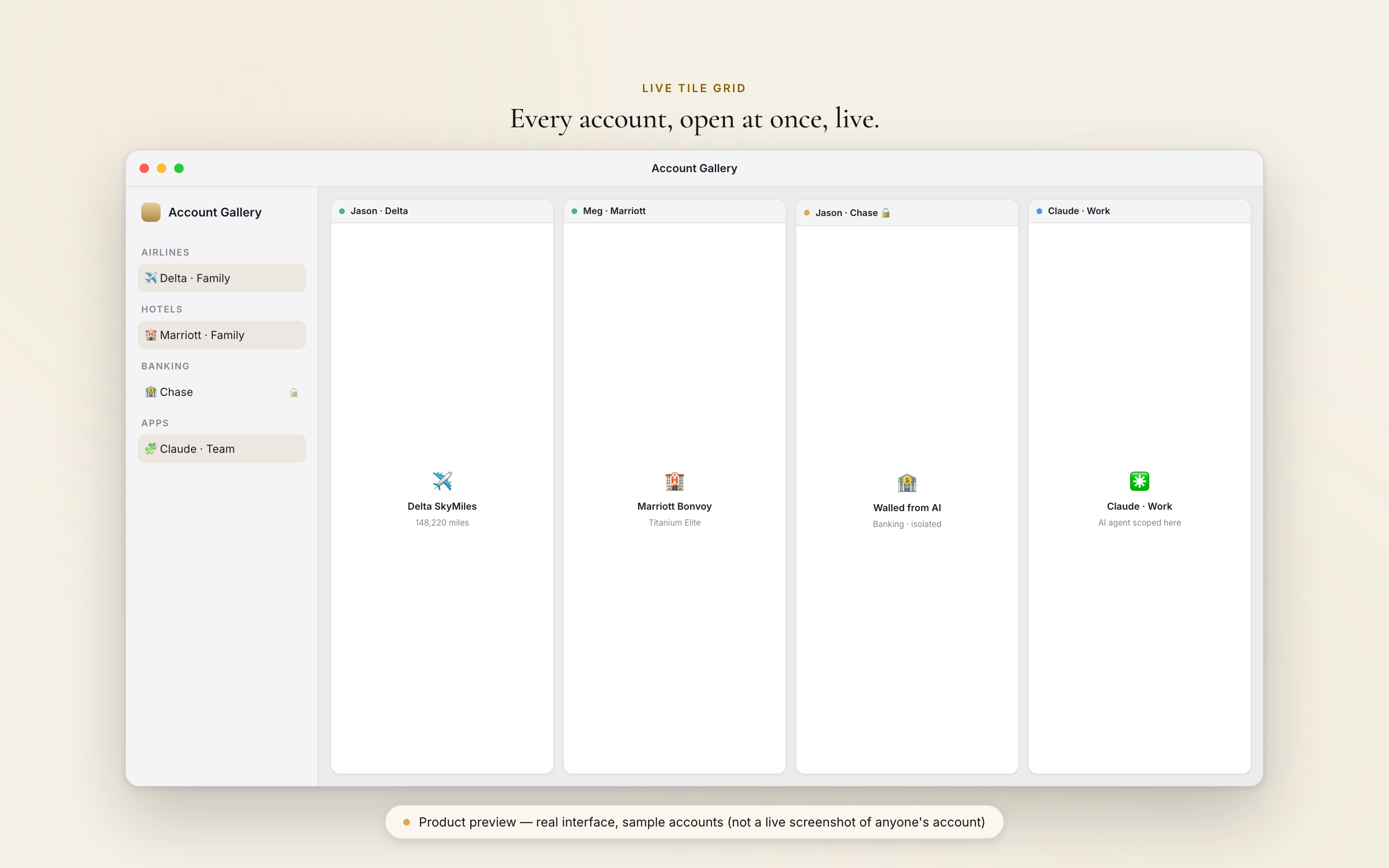
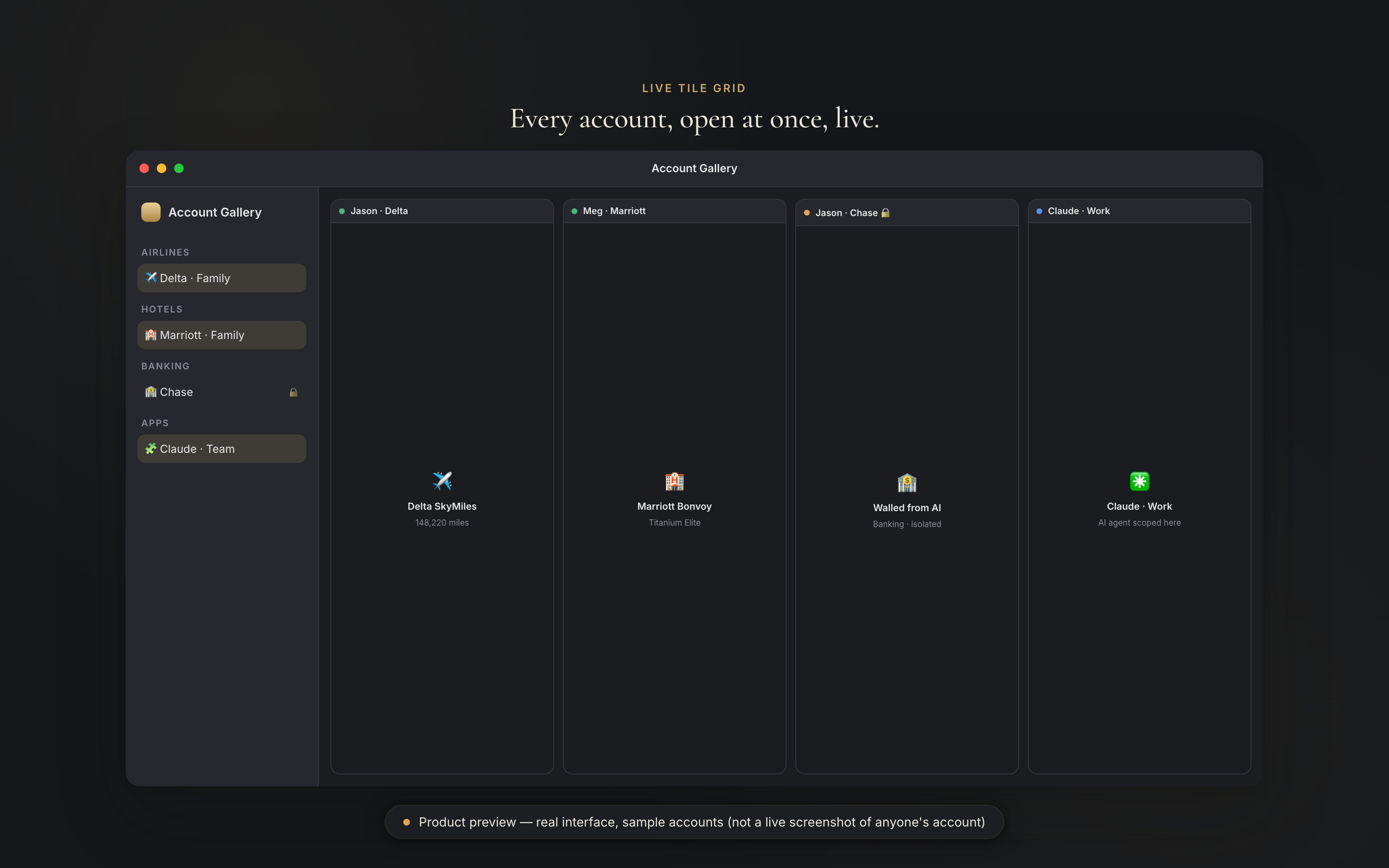
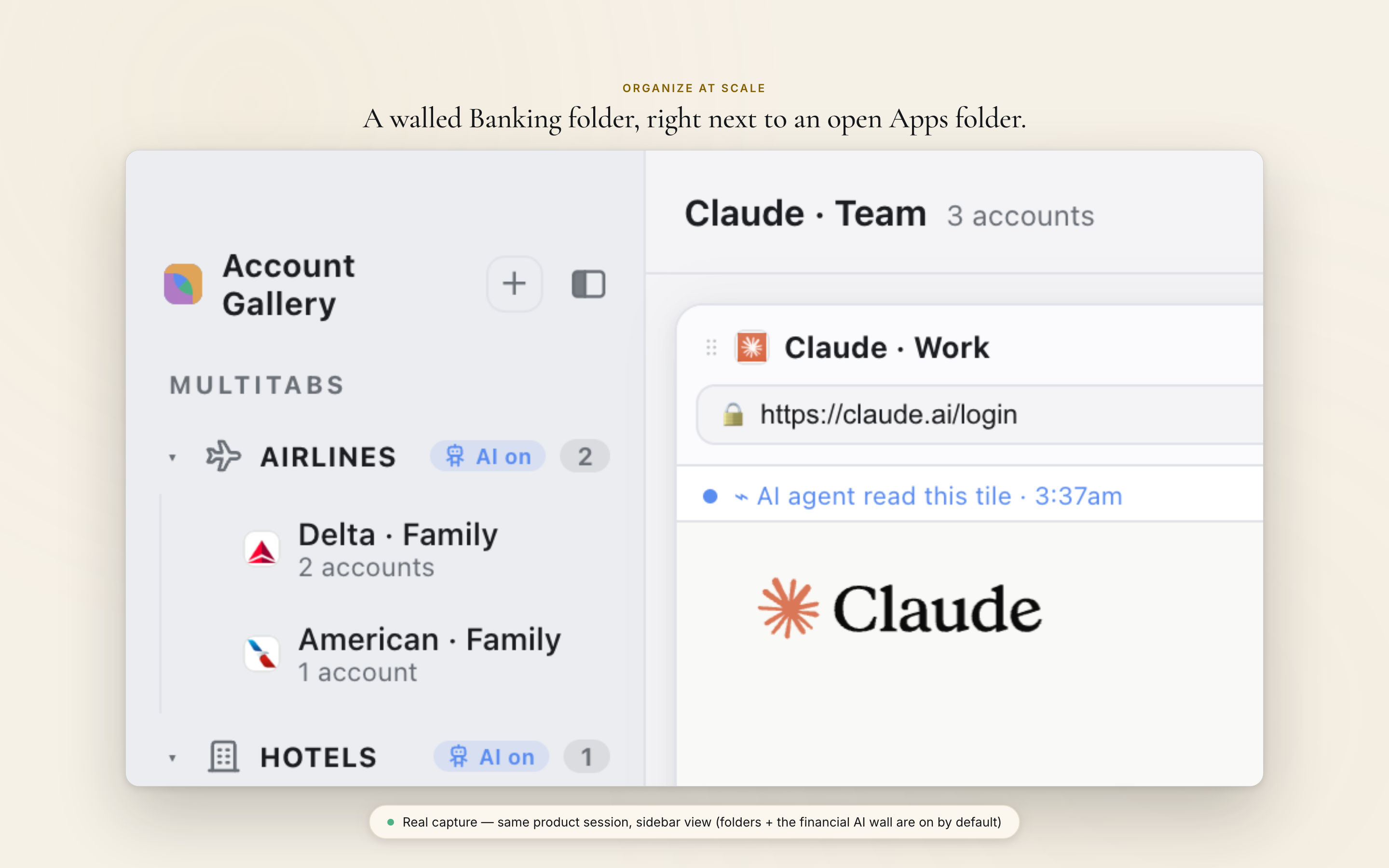
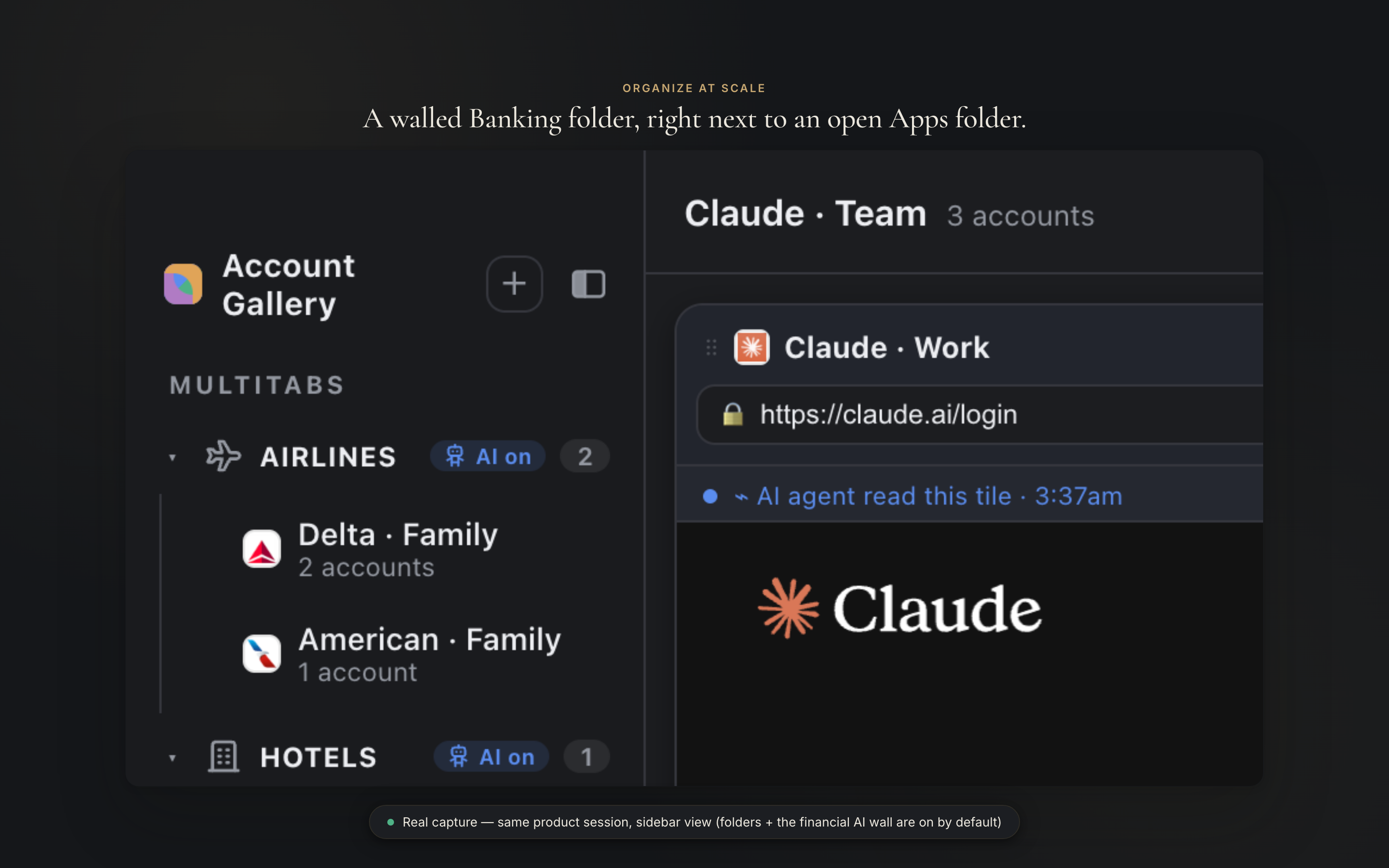
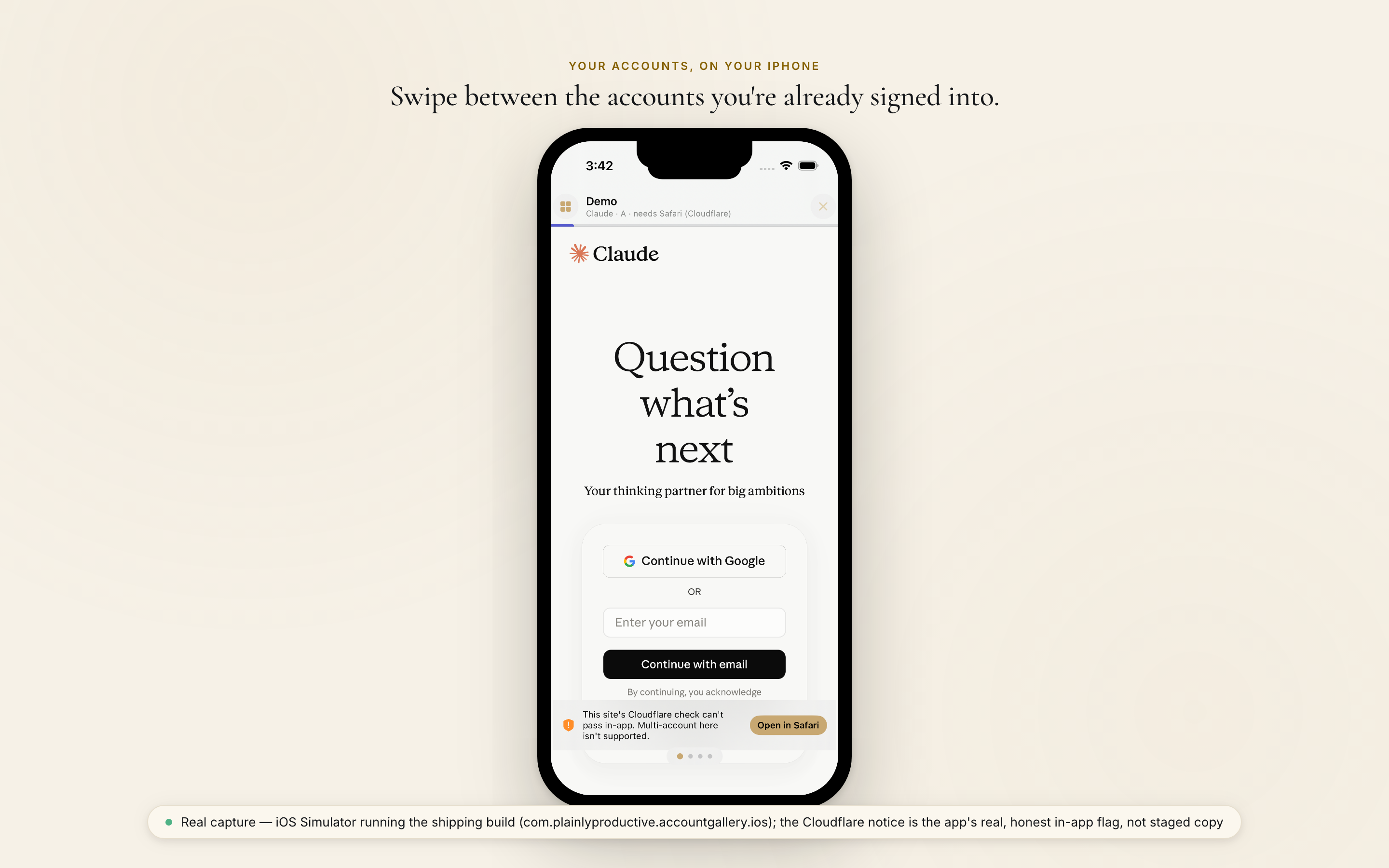

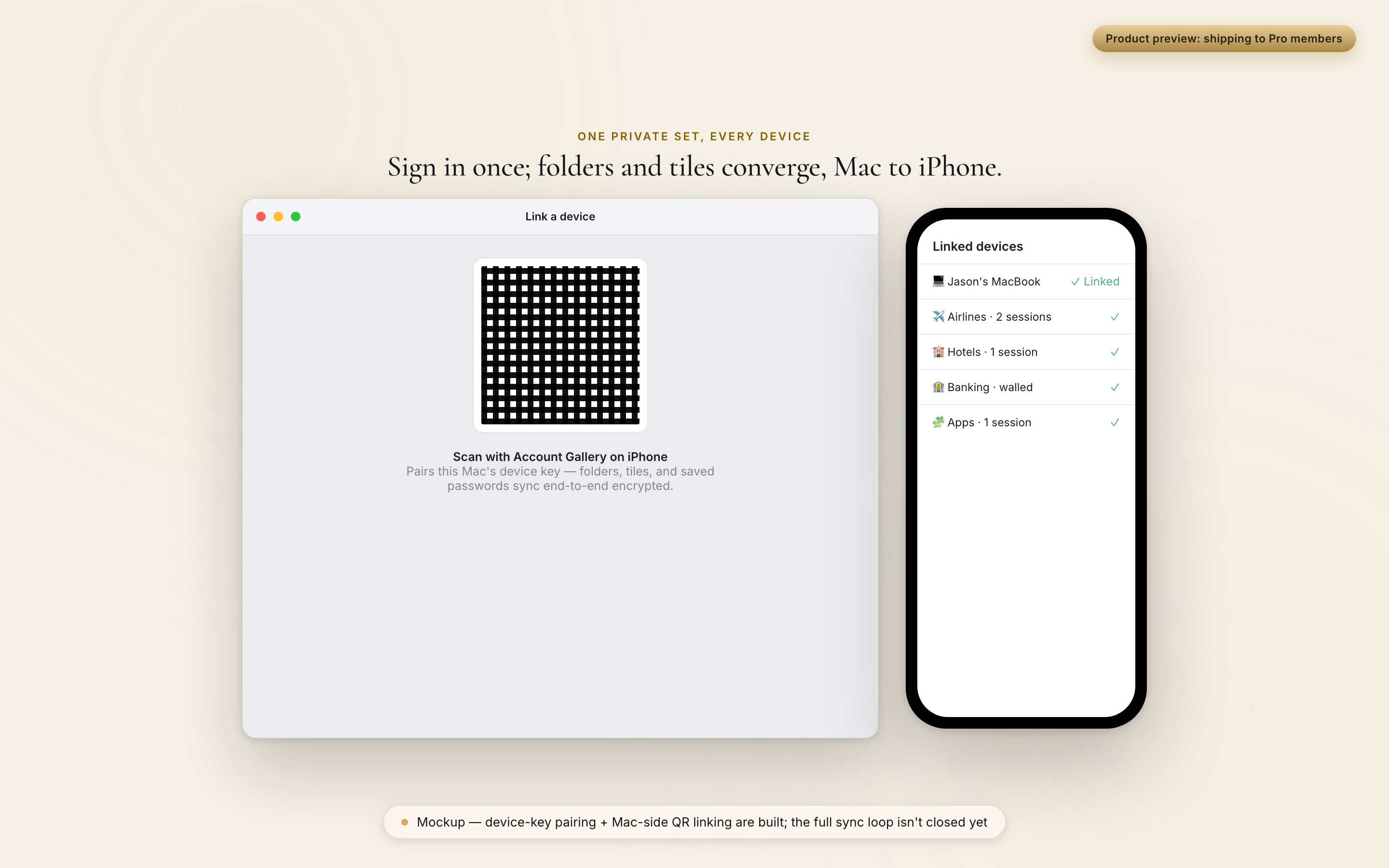
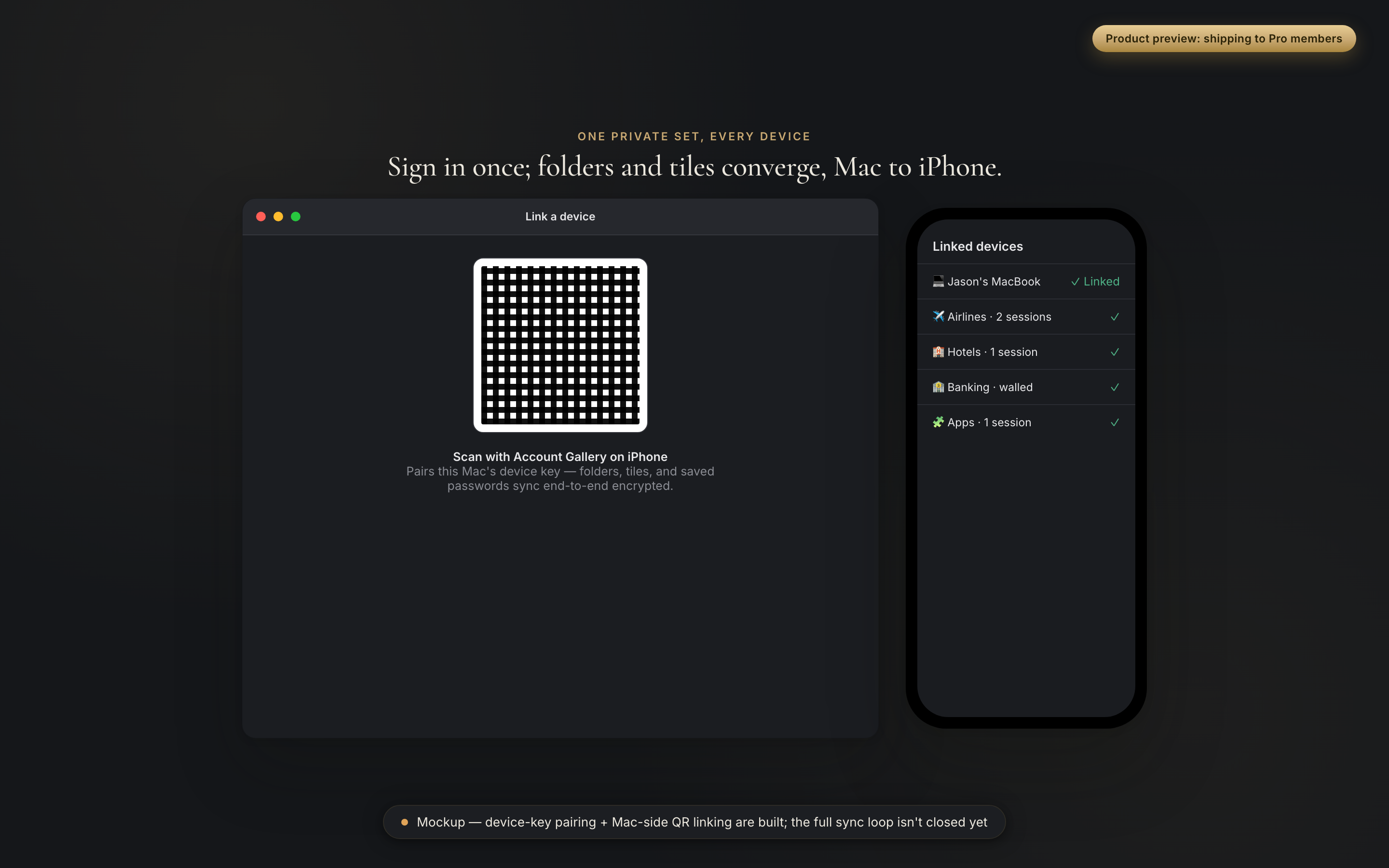
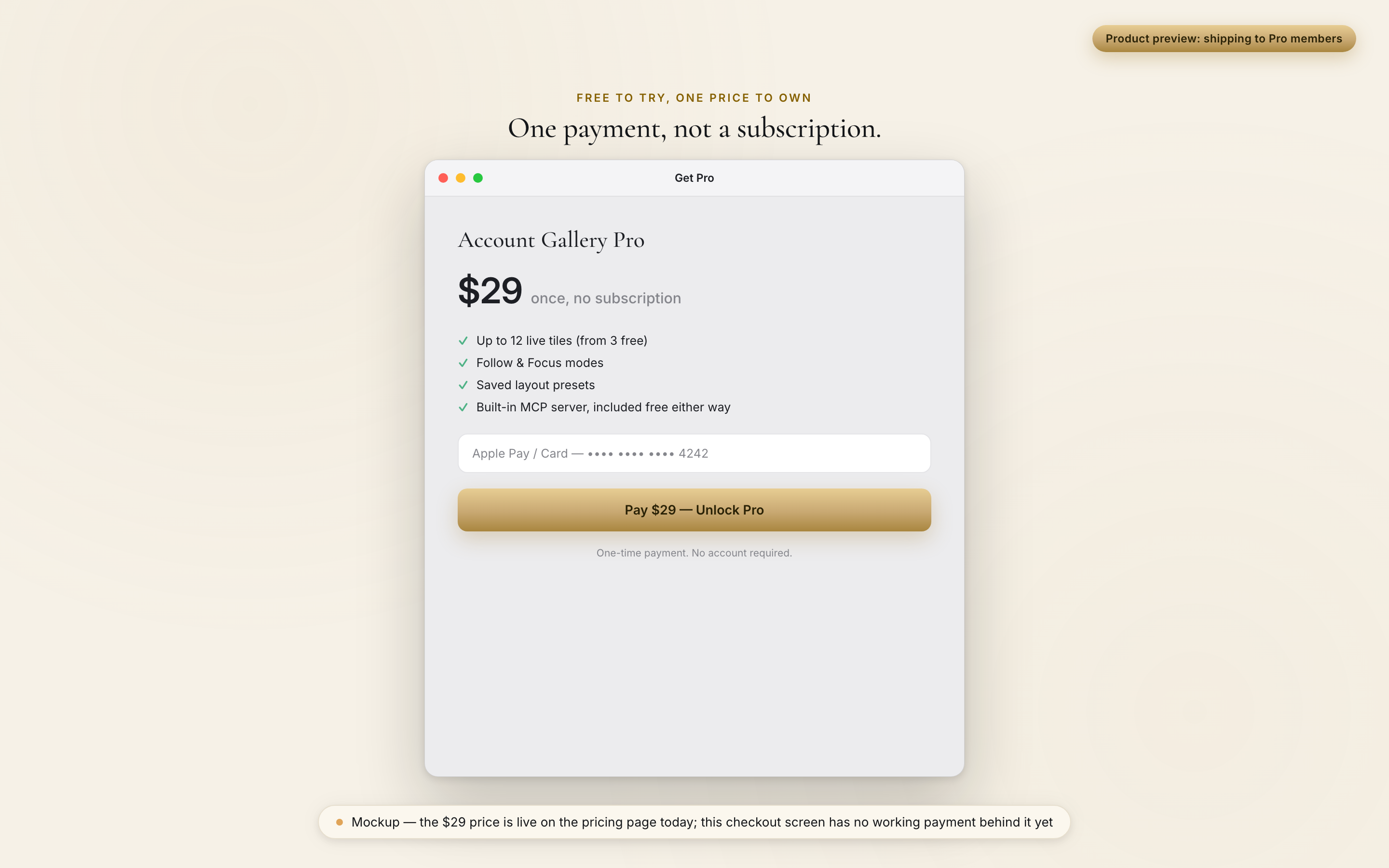

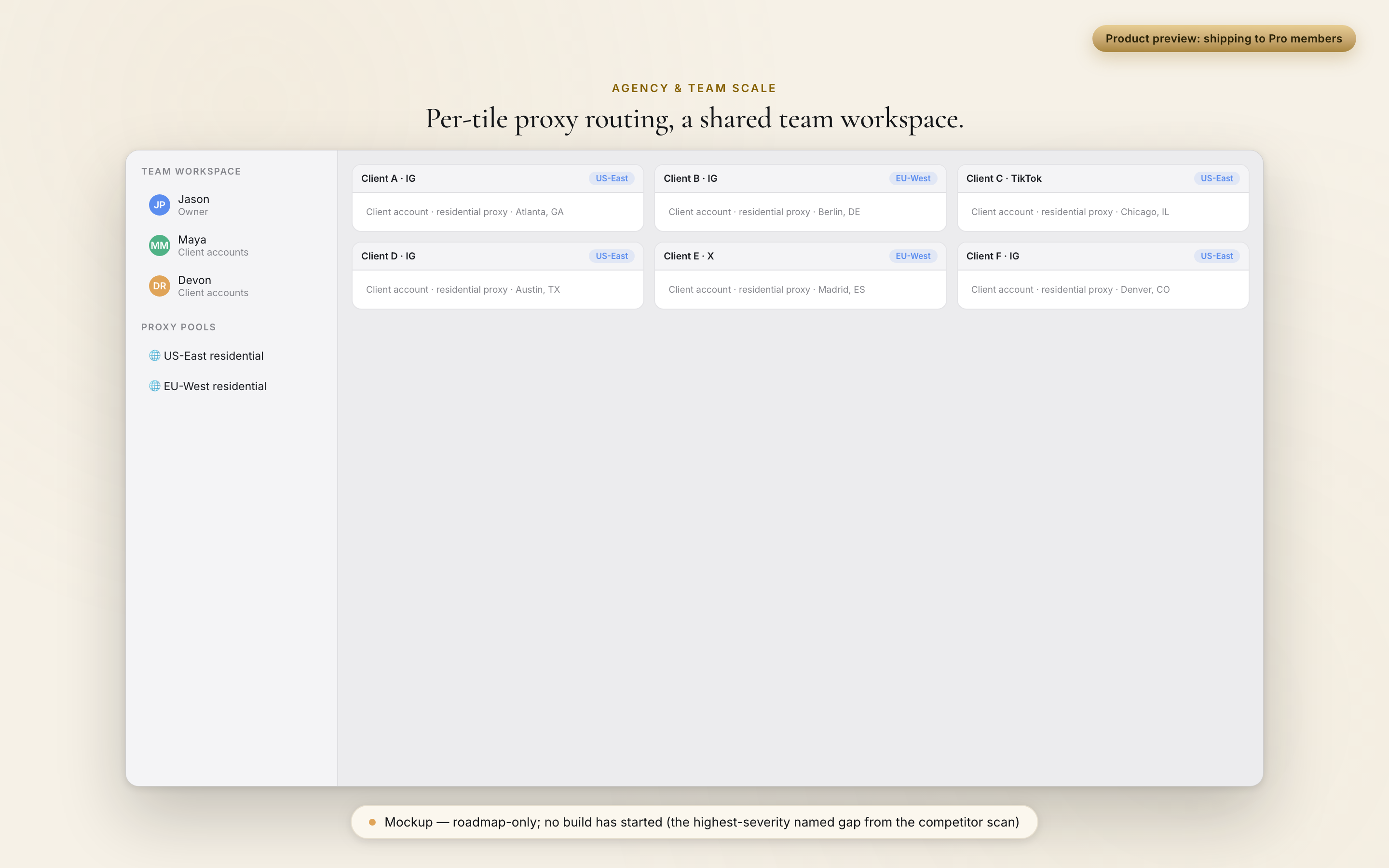
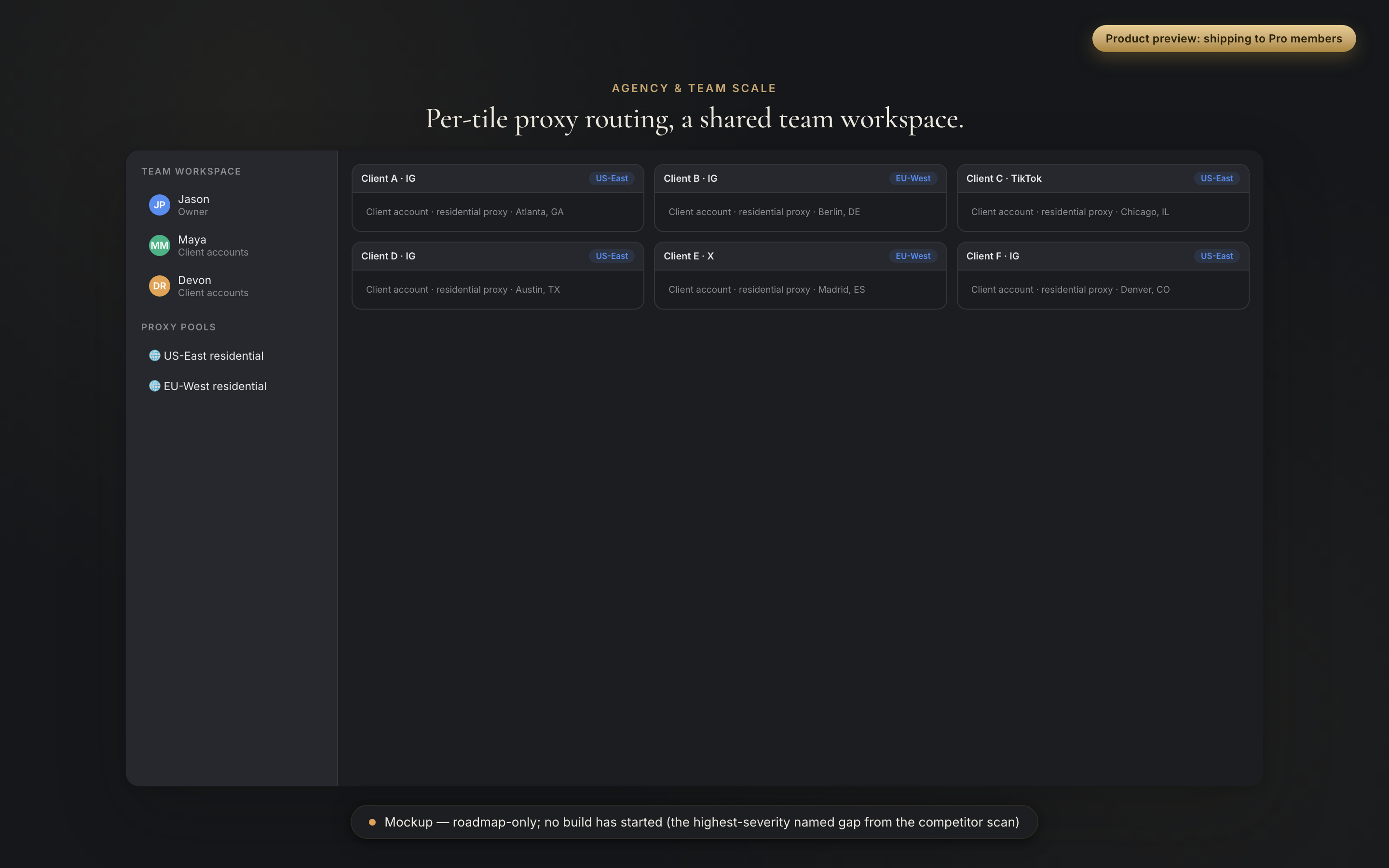
The tile grid, session isolation, the MCP agent connection, folders, saved layouts, the login-once fill, the iPhone app, cross-device password sync, the Face ID-gated AutoFill extension, and the $29 one-time purchase. The shared layout for agencies went live in 0.43.0: build the client-account layout once, hand it to your team, and everyone signs in themselves. It carries the layout, folders, proxy routes and member list, and no credential of any kind, which the build enforces by constructing every shared field from a named allowlist.
The things people ask first.
Does it work with any website?
Yes. Point a tile at any address and sign in the way you normally would. Each tile is a standard, signed-in browser session.
How is this different from Chrome profiles?
Chrome profiles keep you signed in, but each one is its own window, and you reopen and re-arrange them by hand every session. Atrium Browser shows them all at once and reopens the saved layout by name.
Is it safe to sign into so many accounts?
Each tile keeps its login in its own local container on your Mac. Tiles never share cookies, and each login stays your own.
What is Atrium Browser built for?
Atrium Browser isolates sessions for accounts you legitimately own: agencies, social managers, developers, families. Each tile is a real, signed-in Chrome session on your own Mac, the same trust model as signing in on another computer.
Will my accounts get banned for using this?
Each tile presents as a normal, current Chrome session, exactly as if you signed in on another computer. Your real IP and location come through by default. Per-tile proxy routing is available from 0.42.11 and starts when you set one up yourself; it routes traffic for that tile. Agent actions (clicking, filling forms) happen inside the same visible, signed-in session you set up yourself.
How does the AI part work?
The app hosts a small MCP server on your Mac (loopback only), answering only your own MCP client. Connect Claude or any MCP client in one line and it can list, read, navigate, and screenshot your tiles. Once an AI client is connected, its handling of what it reads follows that client's own privacy terms.
What if I need more than 12 accounts?
Twelve covers all but the largest setups. If you run more than that, tell us: it is exactly the kind of use case we are shaping the next tier around.
Is there a subscription?
Only if you want one. Free covers three accounts. Pro is a one-time $29 you own forever. Premium is an optional monthly membership that adds hosted AI, priority support, and priority input on what we build next. You never have to subscribe to use the app.
Own it outright, or go Premium for hosted AI.
Three accounts side by side, free forever. Own the whole app for a single $29. Go Premium when you want hosted AI and a direct line to what gets built next.
- Up to three accounts open at once
- Unlimited saved layouts, launched by name
- Per-tile login isolation
- Built-in MCP server for AI agents
- Bring your own AI key, free and unlimited
- Everything in Free
- Up to 12 accounts open at once
- Follow mode and Focus mode
- Layout presets and priority updates
- Everything in Pro
- Hosted AI summaries, no key to manage
- Priority input on what we build next
- Priority support
The subscription tools compared above run $7 to $24-plus a month. Own Atrium Browser outright for $29, and keep it.
Stop logging out. Open every account at once.
A native Mac app for macOS 14 and later. Free for three accounts.
A notarized direct download for macOS 14 and later. Open it, drag Atrium Browser to your Applications folder, and you are set.
Mac first. Join the list for the iPhone and iPad companion, and your accounts come with you.
 Atrium Browser