Chrome profiles switch. Atrium Browser shows every account at once.
Chrome profiles are the free, built-in way to keep two logins from colliding, and for most people that is enough. The moment you need to see more than one account at the same time, though, a profile switch means a new window and losing sight of the others. Atrium Browser tiles every account into one window, all signed in together.
Free for up to 3 accounts · macOS 14 and later · one-time $29 for Pro, no subscription
A real, free way to separate logins.
Chrome profiles are built into a browser you already have, cost nothing, and keep cookies genuinely separate between a work identity and a personal one. For anyone who mostly lives in a single account and occasionally needs a second, that is a complete answer, and there is no reason to add another app for it.
Where profiles run out of road is the moment you need to see two or three accounts at the same time, not switch between them.
One window shows one profile. Always.
Switching a Chrome profile opens a new window and puts the old one out of view. Users report that keeping three or four profiles open at once means three or four separate Chrome windows scattered across the screen, each one easy to lose track of, with no single view of everything signed in at once. Atrium Browser renders every account as a tile in one window, so you see them together, not stacked behind each other.
Chrome profiles: one active window per profile, no simultaneous view across accounts.
Atrium Browser: every account is a tile in one window, all visible and signed in together.
Saved layouts reopen by name; no rebuilding your set of windows each morning.
Chrome profiles have no AI hook. Atrium Browser ships one.
Atrium Browser includes a built-in MCP server, the open standard AI assistants use to work with apps. Connect Claude in one line and it can read every tile, navigate one or all of them, and answer questions across accounts, all from your own Mac.
Chrome profiles have no equivalent: an AI assistant has no structured way to know which profile it is looking at, let alone act across several at once. Atrium Browser was built with this from day one.
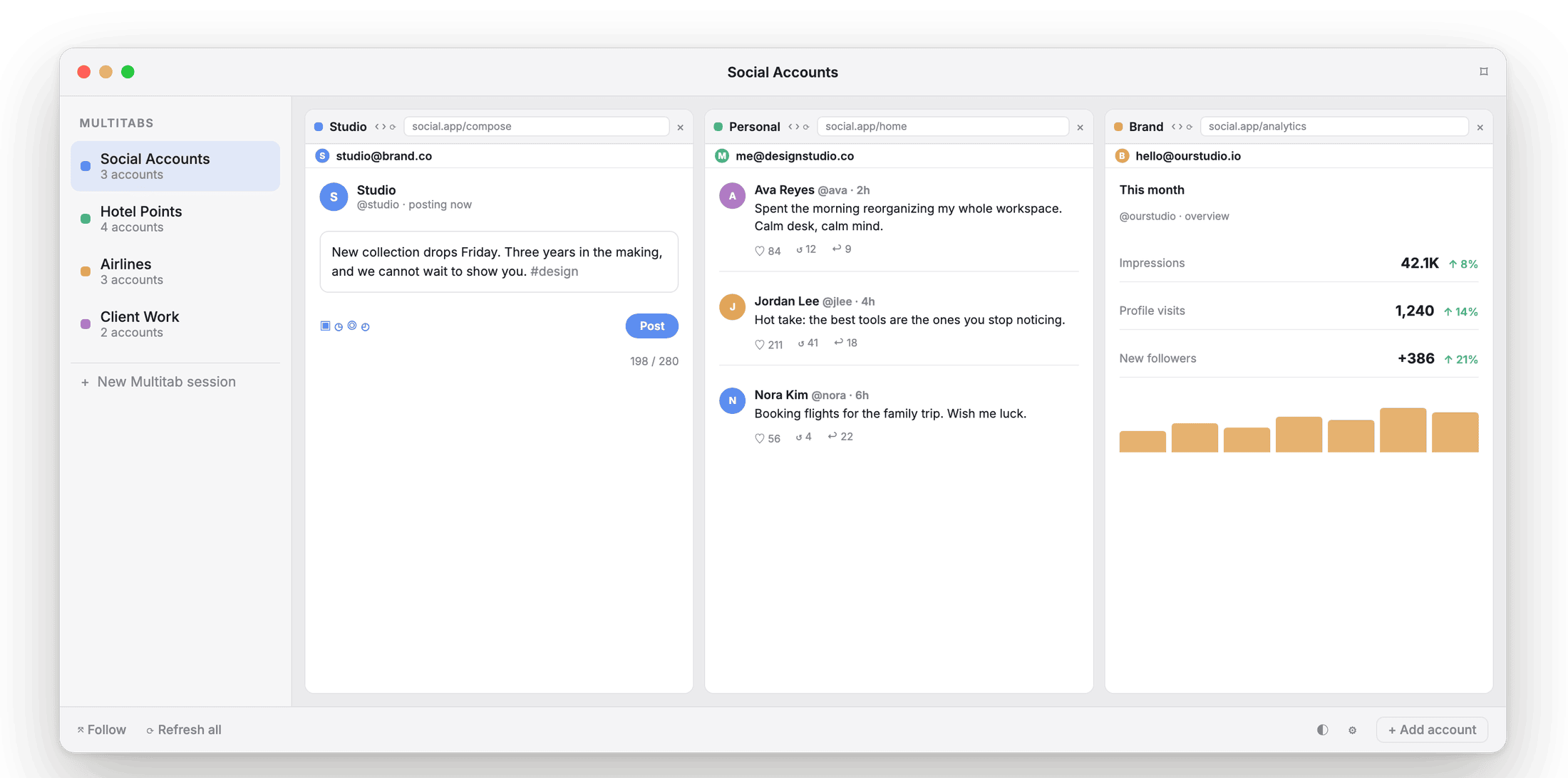
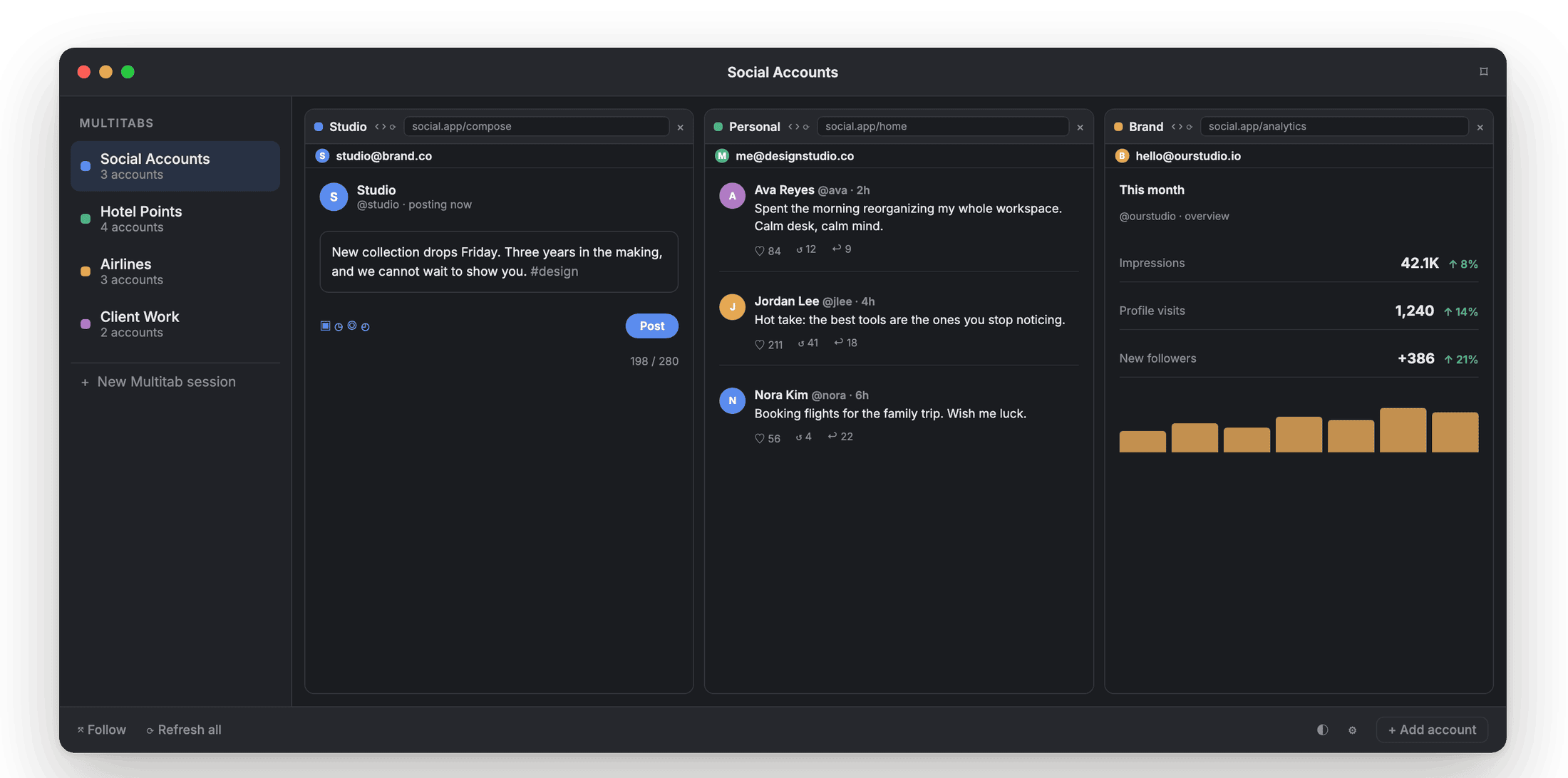
Every tile is a real, signed-in session an AI assistant can read on request.
No fingerprint spoofing. Nothing to hide.
Atrium Browser is not an anti-detect browser. It does not spoof your device fingerprint or route traffic through proxies. It isolates cookies and sessions on your own Mac for accounts you legitimately own, the same trust model as a Chrome profile, just built to show them all at once.
Chrome profiles vs Atrium Browser.
| Capability | Chrome profiles | Atrium Browser |
|---|---|---|
| See every account at once | one window per profile | ✓ tiled in one window |
| True cookie and session isolation | ✓ | ✓ |
| Sessions stay signed in | ✓ | ✓, kept fresh on a cadence you set |
| Saved layouts, launched by name | ✓ | |
| Built-in MCP server for AI agents | ✓ | |
| Device-fingerprint spoofing | no | no (by design) |
| Price | free | free for 3, $29 once for 6 |
Capabilities reflect Chrome's public documentation as of mid-2026; check Google for current details.
What people ask when switching from profiles.
Can I keep using Chrome profiles alongside this?
Yes. Atrium Browser does not replace Chrome; each tile can present as Chrome or Safari. Many people keep a personal Chrome profile for daily browsing and use Atrium Browser for the accounts they need open together.
Do I lose my Chrome bookmarks or extensions?
No, your existing Chrome profiles are untouched. Atrium Browser tiles are separate, isolated sessions you set up fresh, each signed into one account.
Is this heavier on my Mac than Chrome profiles?
Atrium Browser is a native Mac app, not a browser fork, so each tile is a lightweight session rather than a full separate Chrome instance.
Is there a free option?
Yes, up to 3 accounts open at once, free, including the built-in MCP server. Pro is a one-time $29 for up to 6.
Stop switching. See every account at once.
A native Mac app for macOS 14 and later. Free for three accounts.
A notarized direct download for macOS 14 and later.