Shift organizes tabs. Atrium Browser shows tiles, all at once.
Shift bundles your email, apps, and accounts into one window with Spaces to organize them, and a large catalog of supported services. Atrium Browser takes a narrower, different approach: every account renders as a live tile you can see at the same time, with a built-in MCP server so an AI assistant can work them too.
Free for up to 3 accounts · macOS 14 and later · one-time $29 for Pro, no subscription
A mature product with a broad app catalog.
Shift has been around for years, supports well over a thousand apps and services out of the box, and Spaces are a genuinely useful way to group a workday's tools into a set you can switch between. For anyone who wants one home for email, calendar, and a wide range of web apps, that breadth is real and hard to match.
Where it differs from Atrium Browser is the view: Spaces group tabs you switch between, not tiles you see together, and it is a yearly subscription.
Tabs and Spaces, versus a tile grid and a one-time price.
Shift's Advanced plan runs $199.99 a year, forever, for organizing accounts as tabs within Spaces you switch between. Atrium Browser is a one-time $29 purchase, and it renders every account as a simultaneous tile in one window rather than a tab to click into. If you want to glance at three loyalty balances or three client dashboards at once, that is the difference: tabs show one at a time, tiles show all of them.
Shift: broad app catalog, Electron-based, tabs organized into Spaces.
Atrium Browser: narrower focus, native Mac app, every account a simultaneous tile.
$199.99 a year versus $29 once. Both keep sessions signed in.
No agent API in Shift. Atrium Browser ships one, free.
Atrium Browser includes a built-in MCP server, the open standard AI assistants use to work with apps. Connect Claude in one line and it can read every tile, navigate them, and answer questions across accounts, all on your Mac.
Shift has no comparable agent hook today. Atrium Browser ships seven tools out of the box, loopback only, included in the free tier.
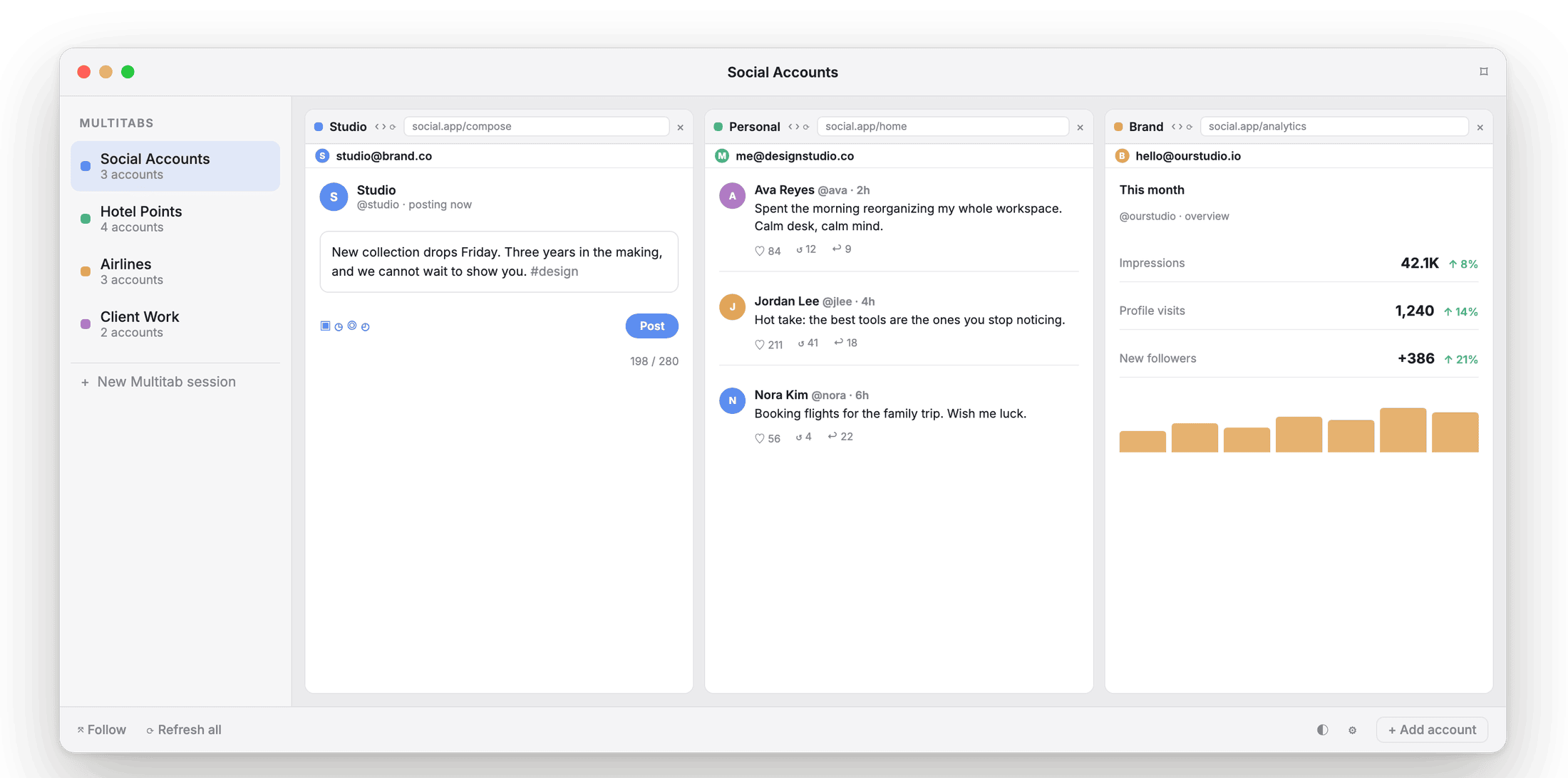
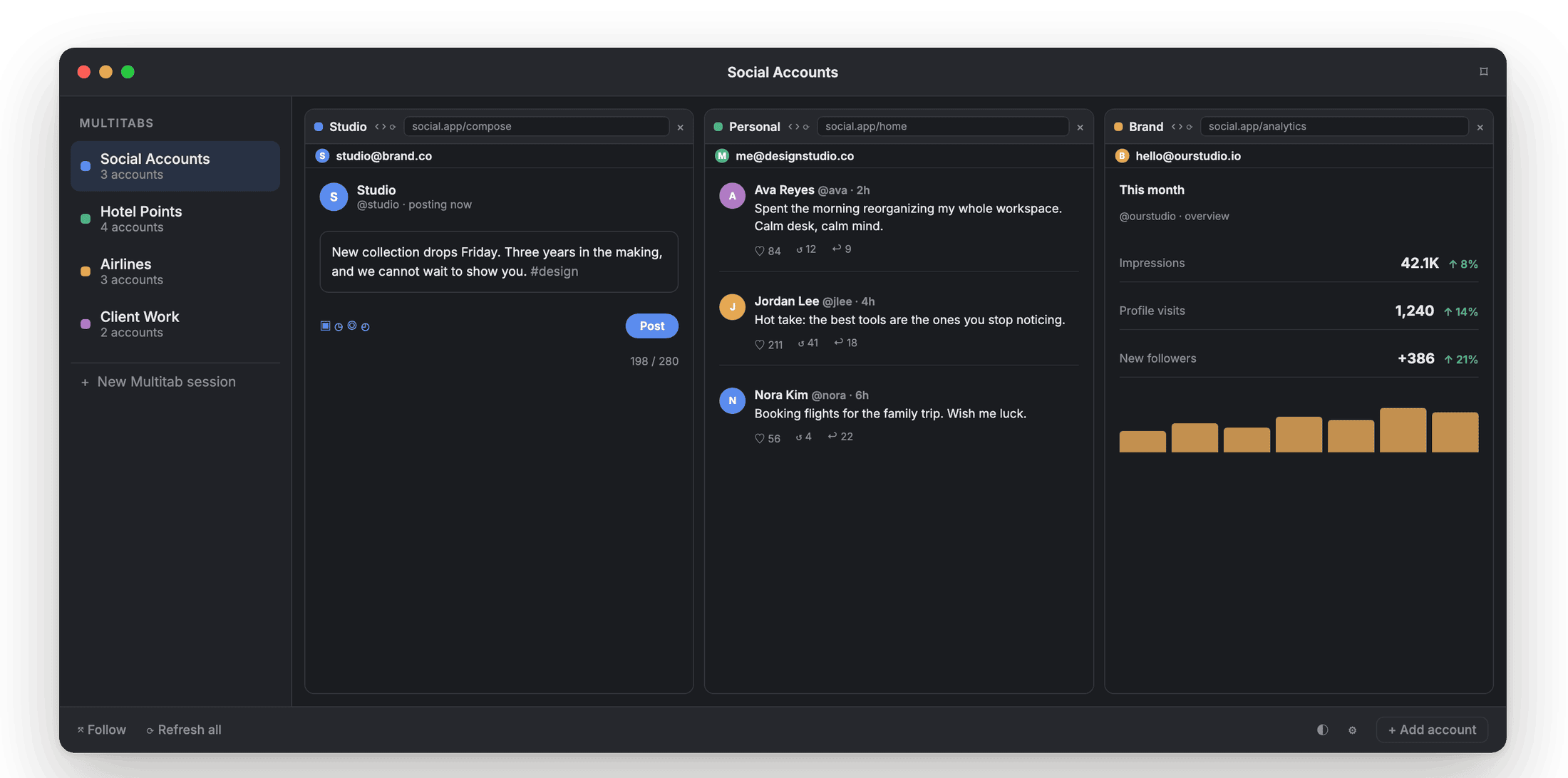
Every tile is a real, signed-in session an AI assistant can be pointed at.
No fingerprint spoofing. Nothing to hide.
Neither Shift nor Atrium Browser spoofs a device fingerprint or routes through proxies. Both isolate real sessions for accounts you legitimately own. Atrium Browser's difference is the tile view and the one-time price, not the trust model.
Shift vs Atrium Browser.
| Capability | Shift | Atrium Browser |
|---|---|---|
| See every account at once | tabs within Spaces | ✓ tiled in one window |
| True cookie and session isolation | per app | ✓ |
| Sessions survive restarts, kept fresh | ✓ | ✓ |
| Saved layouts, launched by name | ✓ | |
| Native app (not Electron) | ✓ | |
| Built-in MCP server for AI agents | ✓ | |
| App catalog breadth | 1,500+ supported | any site works as a tile |
| Price | $199.99/yr (Advanced) | $29 once |
Capabilities and pricing reflect Shift's public materials as of mid-2026; check shift.com for current details.
What people ask when comparing to Shift.
Does Atrium Browser support 1,500 apps like Shift?
Any website works as a tile, so the coverage is effectively unlimited, but there is no curated catalog to browse. If Shift's app-store style browsing is what you want, it is genuinely good at that.
Does Atrium Browser do email and calendar like Shift?
Not as a dedicated feature. Atrium Browser is focused on showing several accounts of the same kind of site side by side, kept signed in.
Is Atrium Browser lighter on my Mac?
It is a native Mac app rather than an Electron shell, so it tends to use less memory per tile than a bundled-browser tool.
Is there really no subscription?
No subscription. Free for 3 accounts, and a single one-time $29 purchase unlocks up to 6, Follow mode, and Focus mode.
Tiles, not tabs. $29 once, not $200 a year.
A native Mac app for macOS 14 and later. Free for three accounts.
A notarized direct download for macOS 14 and later.