Containers isolate tabs. Atrium Browser shows tiles, together.
Firefox Multi-Account Containers is a free, well-loved way to keep cookies from bleeding between identities inside one browser: color-coded tabs, each its own isolated jar. Atrium Browser takes the same isolation idea and renders every account as a tile you can see at the same time, in one window, on a Mac.
Free for up to 3 accounts · macOS 14 and later · one-time $29 for Pro, no subscription
A genuinely good idea, free, from Mozilla itself.
Multi-Account Containers is a first-party Firefox extension, free forever, and the underlying idea, a separate cookie jar per identity, is exactly right. It has a loyal following for good reason: it solved a real problem years before most competitors noticed it existed.
Where it runs into trouble is scale and reliability once you lean on it heavily, and it still shows one tab at a time.
One tab at a time, versus every account visible together.
Containers isolate a tab; you still click between tabs to see a different account, and Firefox is a requirement. Users report the extension can crash and, at scale, containers have been described as getting duplicated by the hundreds, and in at least one documented case a user's Firefox sync was corrupted badly enough to cost them a paid VPN subscription. Atrium Browser is a native Mac app: every account is a tile visible at once, sessions are designed to survive restarts, and there is no browser-extension layer to break with an update.
Containers: isolated tabs inside Firefox, one visible at a time, tied to extension stability.
Atrium Browser: a native app, every account a simultaneous tile, no extension layer.
Saved layouts reopen by name, and sessions are kept fresh on a cadence you choose.
Containers have no AI hook. Atrium Browser ships one.
Atrium Browser includes a built-in MCP server, the open standard AI assistants use to work with apps. Connect Claude in one line, and it can read every tile, navigate them, and compare accounts, entirely on your Mac, nothing sent to a server.
A container extension has no structured way for an AI assistant to know which container is which, or to act inside one deliberately. Atrium Browser was designed around this from the start: seven tools, loopback only.
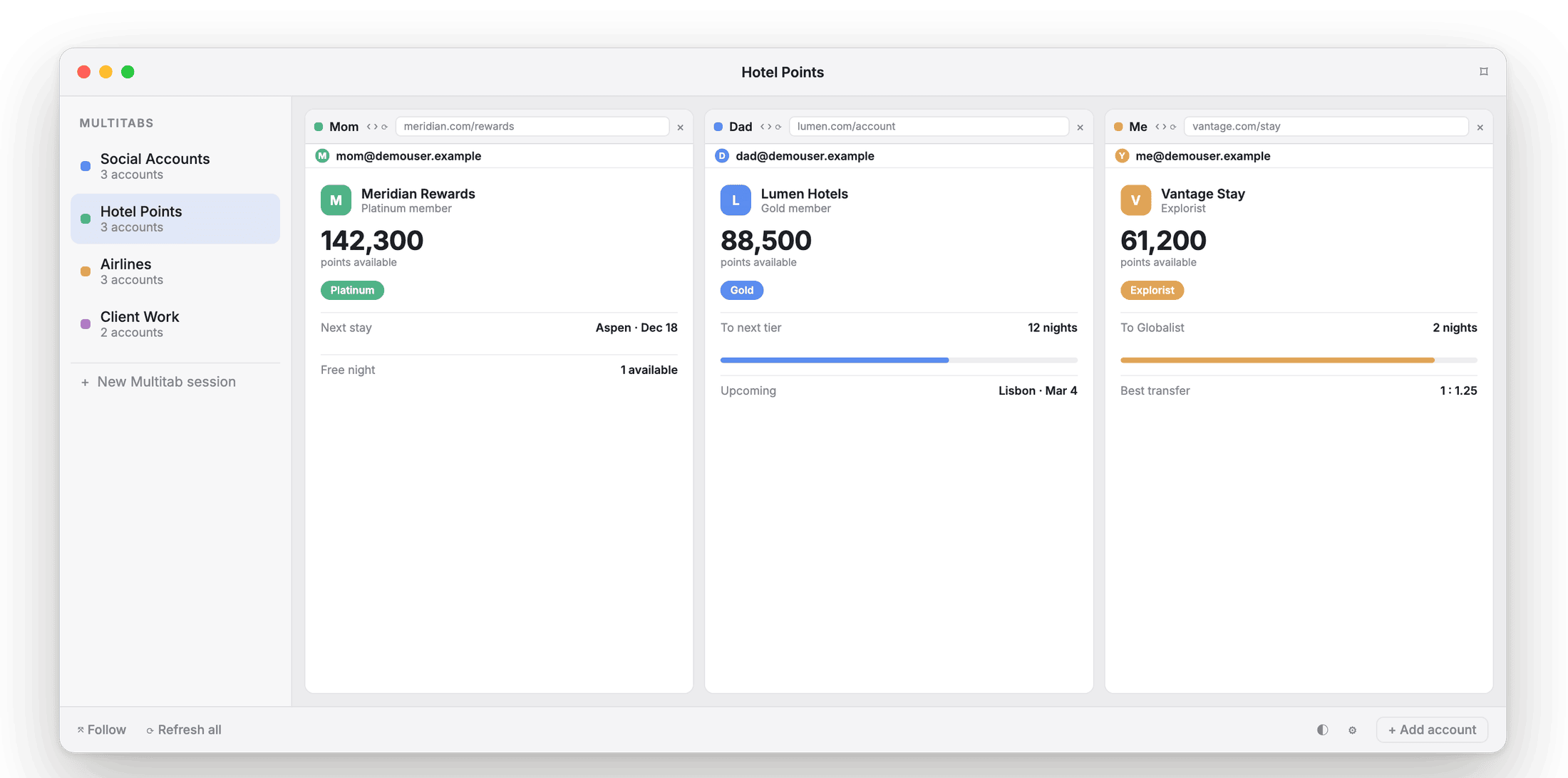
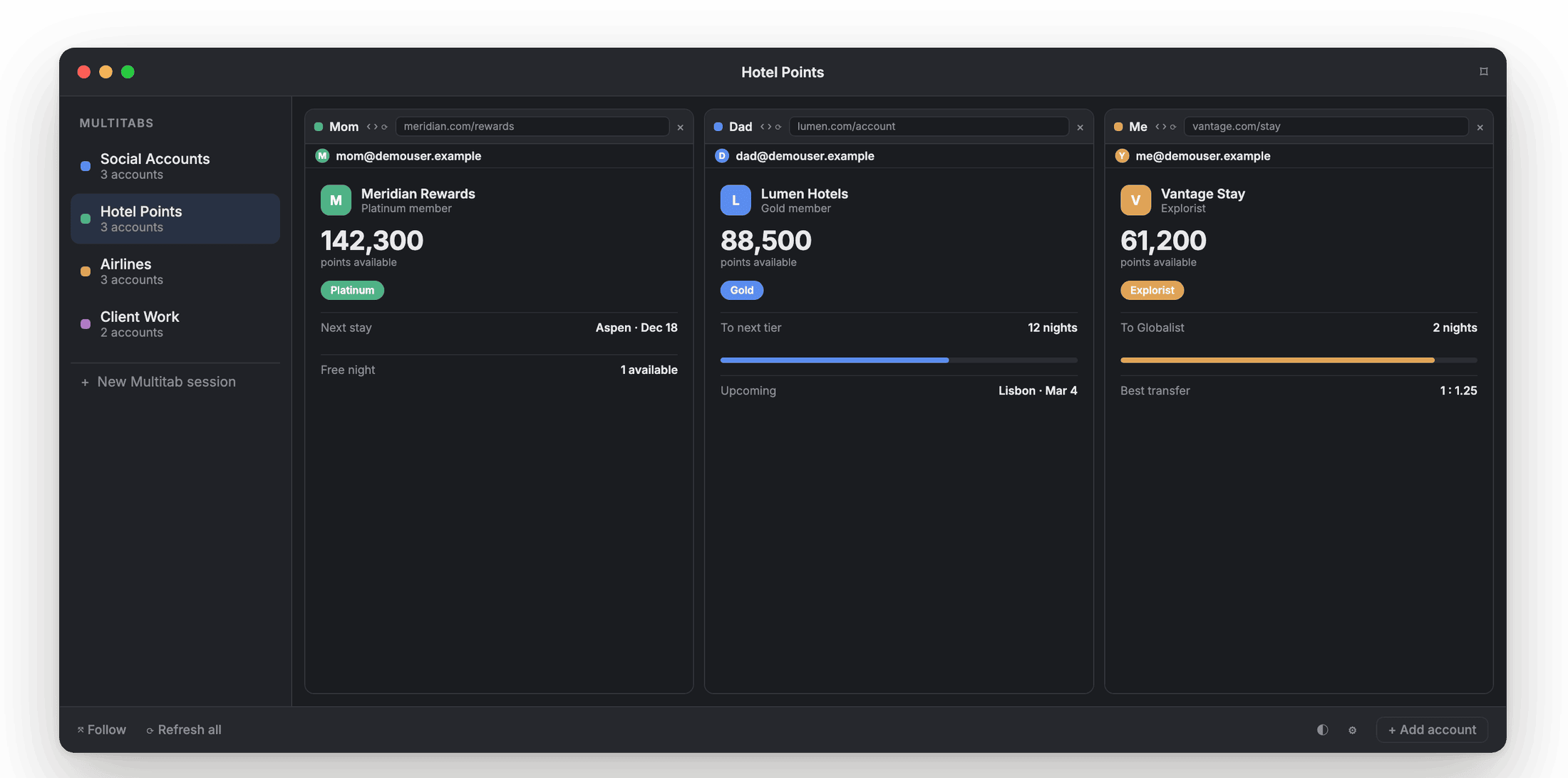
Every tile is a real, isolated session your AI assistant can be pointed at directly.
No fingerprint spoofing. Nothing to hide.
Atrium Browser is not an anti-detect browser, and neither is Containers. Both isolate cookies and storage, not your device fingerprint, for accounts you legitimately own. Atrium Browser just renders that isolation as a visible tile grid instead of a tab you switch to.
Firefox Multi-Account Containers vs Atrium Browser.
| Capability | Firefox Containers | Atrium Browser |
|---|---|---|
| See every account at once | tabs, one visible at a time | ✓ tiled in one window |
| True cookie and session isolation | ✓ | ✓ |
| Sessions survive restarts, kept fresh | users report bugs at scale | ✓ |
| Saved layouts, launched by name | ✓ | |
| Native app (not a browser extension) | ✓ | |
| Built-in MCP server for AI agents | ✓ | |
| Device-fingerprint spoofing | no | no (by design) |
| Price | free | free for 3, $29 once for 6 |
Capabilities reflect Mozilla's public add-on listing and reviews as of mid-2026; check the Mozilla Add-ons store for current details.
What people ask when moving off Containers.
Do I need Firefox for Atrium Browser?
No. Each tile can present as Safari or Chrome; Atrium Browser is a native Mac app, not tied to any one browser engine.
Will I lose my existing containers?
Your Firefox containers are untouched; Atrium Browser is a separate app. Many people keep a lightweight Firefox setup and move their heavily-used accounts into tiles.
Is Atrium Browser more reliable at scale?
It is a native Mac app rather than a browser extension, so there is no extension-update path to break it, and sessions are designed to survive app and Mac restarts.
Is there a free option?
Yes, up to 3 accounts open at once, free, including the built-in MCP server. Pro is a one-time $29 for up to 6.
See every account together, not tab by tab.
A native Mac app for macOS 14 and later. Free for three accounts.
A notarized direct download for macOS 14 and later.