The family's hotel points, side by side.
Planning a family trip usually means passing a laptop around, or texting screenshots of balances back and forth: your Marriott, your partner's Hilton, maybe a parent's Hyatt account too. Atrium Browser gives each person's loyalty account its own signed-in tile, open at the same time, so you can compare points, status, and upcoming stays in one glance before you book.
Free for up to 3 accounts · macOS 14 and later · one-time $29 for Pro, no subscription
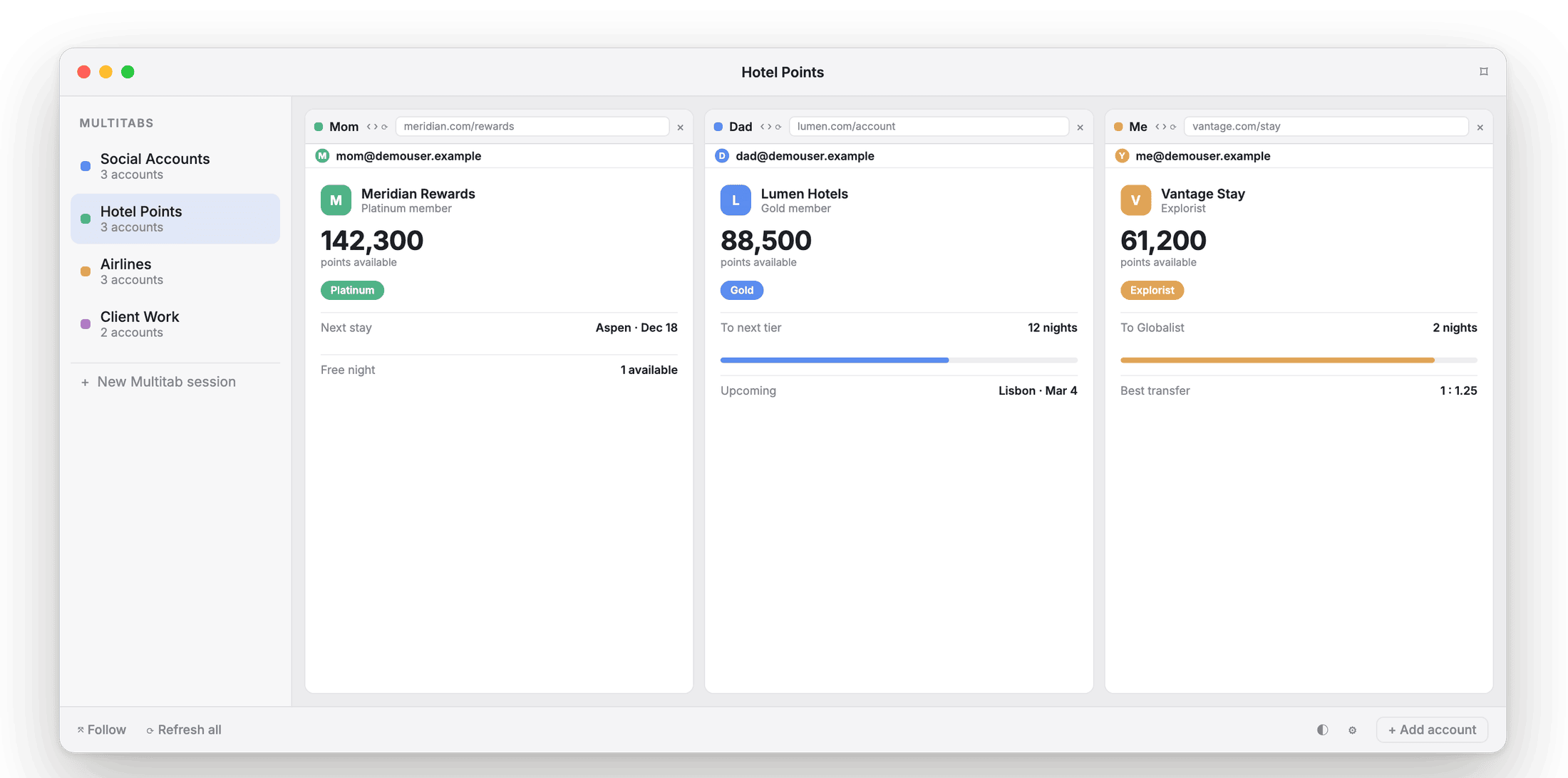
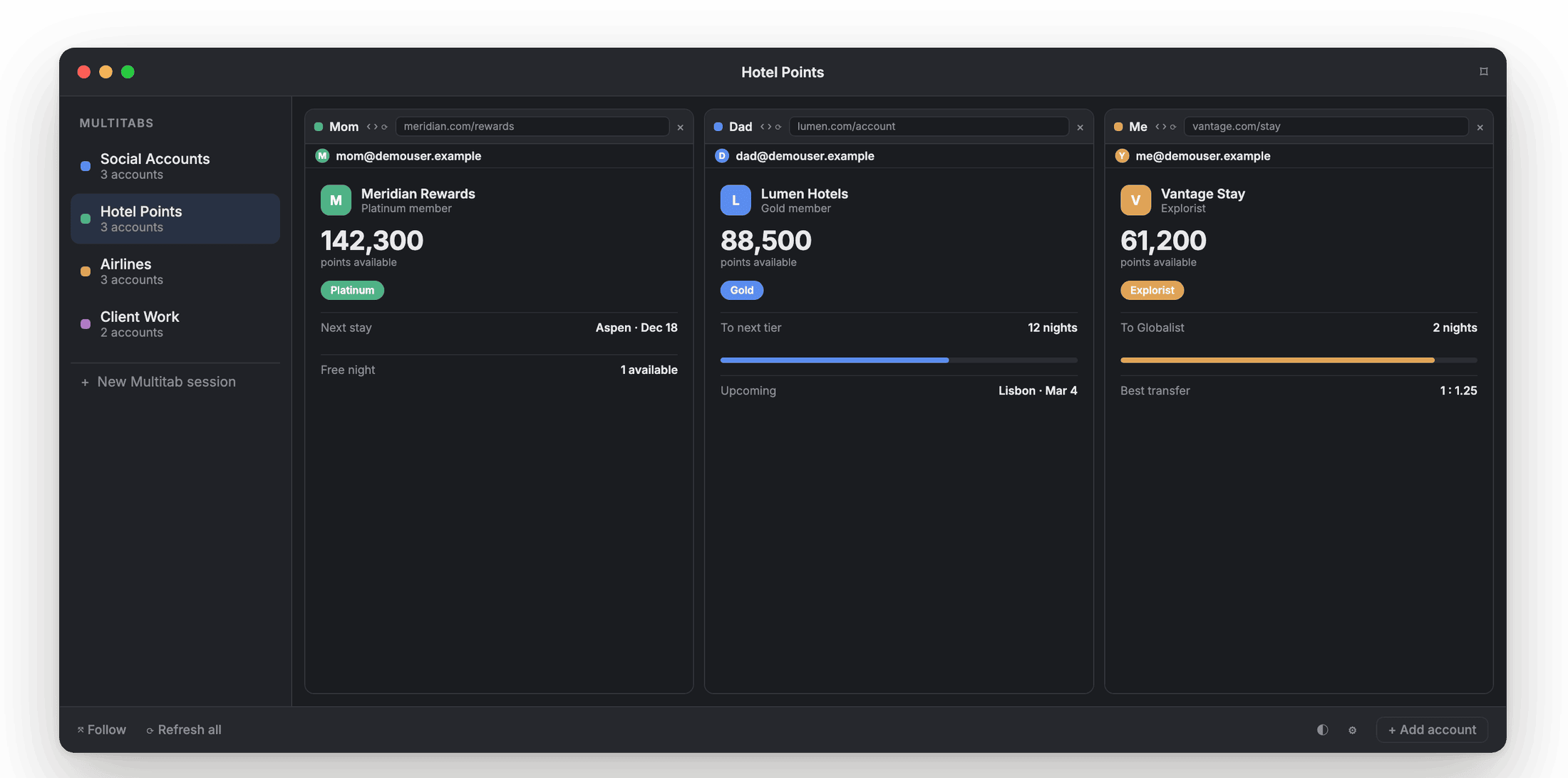
Dad's Hilton, Mom's Marriott, and yours: every balance and status level, in one window.
Four accounts, one browser, one login at a time.
Hotel and airline sites only keep one person signed in at a time on a shared browser. So comparing "how many Hilton Honors points do we have" against "what does Mom's Bonvoy status get us" against "does Dad have a free night certificate" means logging out and back in, three separate times, just to see one trip's worth of options.
Atrium Browser isolates each person's loyalty login in its own tile. Sign in once per account, and every balance stays visible, together, whenever you open the layout.
Every family member's login stays signed in, in its own tile.
Compare points, status, and free-night certificates at a glance, not one tab at a time.
Save it as "Family points." Open it by name the next time a trip comes up.
Set it up once, before the next trip.
One tile per account. Point a tile at Hilton, another at Marriott, another at Hyatt or your airline of choice.
Everyone signs in once. Each tile keeps its own session, so nobody has to hand over a password.
Save the layout. Reopen "Family points" from Spotlight the next time you are planning a stay.
Ask, instead of tallying up four tabs by hand.
Atrium Browser ships with a built-in MCP server, so an AI assistant like Claude can read every family member's tile and answer questions across all of them: which account has the most points, whose status gets a suite upgrade, where a free-night certificate is about to expire.
It runs entirely on your Mac, on a loopback address never exposed to the network. The assistant works inside sessions you already signed into; it never sees a password, and any login or verification challenge still shows up in the tile for you to handle.
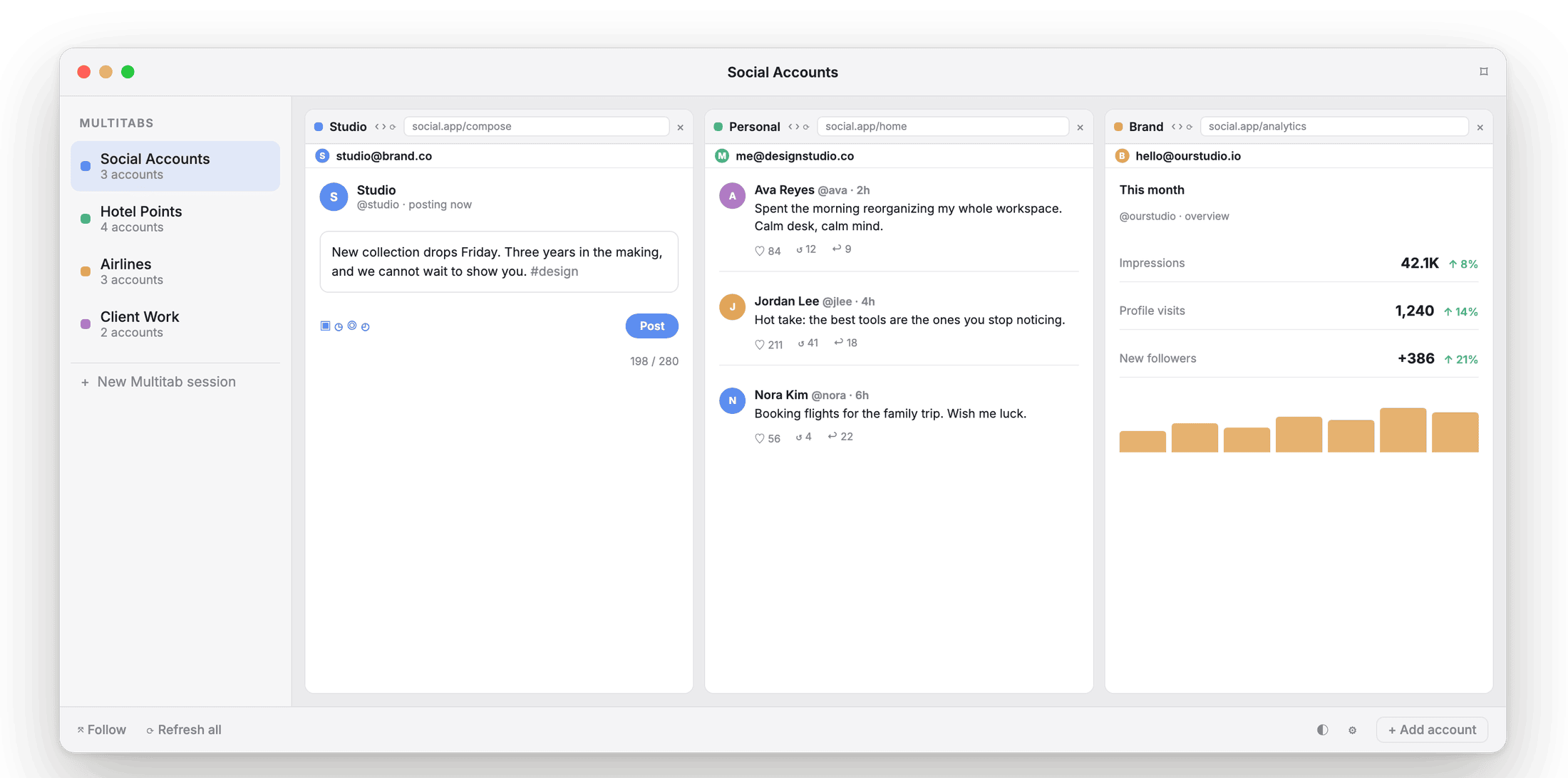
Every tile is a real, signed-in session an AI assistant can be pointed at, on request.
Every program, side by side.
Hotel loyalty for the family
Your Marriott, your partner's Hilton, a parent's Hyatt, side by side, so booking a family trip stops being a three-device job.
Frequent-flyer accounts
Check award space, upgrades, and miles across the family's airline accounts at once, without bouncing between logins.
Comparing transfer options
Open your bank and your airline and hotel portals together and compare balances and transfer ratios at the same time.
Streaming for the family too
The same tile idea keeps everyone's streaming login signed in at once. See the streaming page →
Runs on your Mac. Nothing sent anywhere.
Each tile keeps its login in its own local container on your device. Logins never bleed across tiles, and nothing about a family member's account is sent to us. No proxies, no fingerprint tricks: just separate, real, signed-in sessions living on the Mac in your house.
What points families ask first.
Does everyone need to give me their password?
No. Each person signs into their own tile directly, and Atrium Browser keeps that session isolated in the tile. Nothing is sent to us: there is no server that receives a password. If you would rather save a login so the app can fill it for you later, that is an optional built-in vault, encrypted on your own Mac by the macOS keychain, and it stays on that Mac.
How many family accounts fit for free?
Three accounts open at once, free, enough for most households to start comparing balances today. Up to six with a one-time $29 Pro purchase.
Does the AI assistant see our account balances?
Only when you ask it to look. It reads the tile you point it at, on request, and never touches a tile you have not connected it to.
Will this work with any hotel or airline site?
Yes. Point a tile at any loyalty program's site and sign in the way you normally would.
Every family login, one glance.
A native Mac app for macOS 14 and later. Free for three accounts.
A notarized direct download for macOS 14 and later.