Stop logging your kid out of your streaming account.
You sign in to check something quick. Now your kid's profile, their watch history, their spot in the show they were halfway through, all of it is gone, replaced by yours. Someone signs back in, loses their place again. Atrium Browser gives every person in the house their own signed-in tile, open at the same time, on the same Mac.
Free for up to 3 accounts · macOS 14 and later · one-time $29 for Pro, no subscription
One account, one login, and everyone waiting their turn.
Most streaming services only let one login be active at a time on a shared browser. So checking your own account means kicking someone else off theirs. Multiply that across a few services and a few people in the house, and half the arguments at home are really just an authentication problem.
Atrium Browser isolates each person's login in its own tile. Sign in once per person, per service, and it stays that way.
Your account stays signed in. Your kid's account stays signed in. At the same time.
See everyone's tile in one window: no more hunting for whose login is active right now.
Save the family's layout once. Open it by name, any night.
Set it up once. It just opens after that.
Point a tile at the streaming site. One tile per person who needs their own login.
Everyone signs in once. Each tile keeps its own session, so nobody logs anybody else out.
Save it as a layout. Name it "Streaming" and reopen the whole set from Spotlight any time.
Every login, its own tile, all at once.
This is the same idea families already use for hotel points and travel accounts: each person gets a tile, each tile stays signed in, and the whole set opens together. For streaming, that means nobody loses their place, and nobody has to ask "wait, whose account is this."
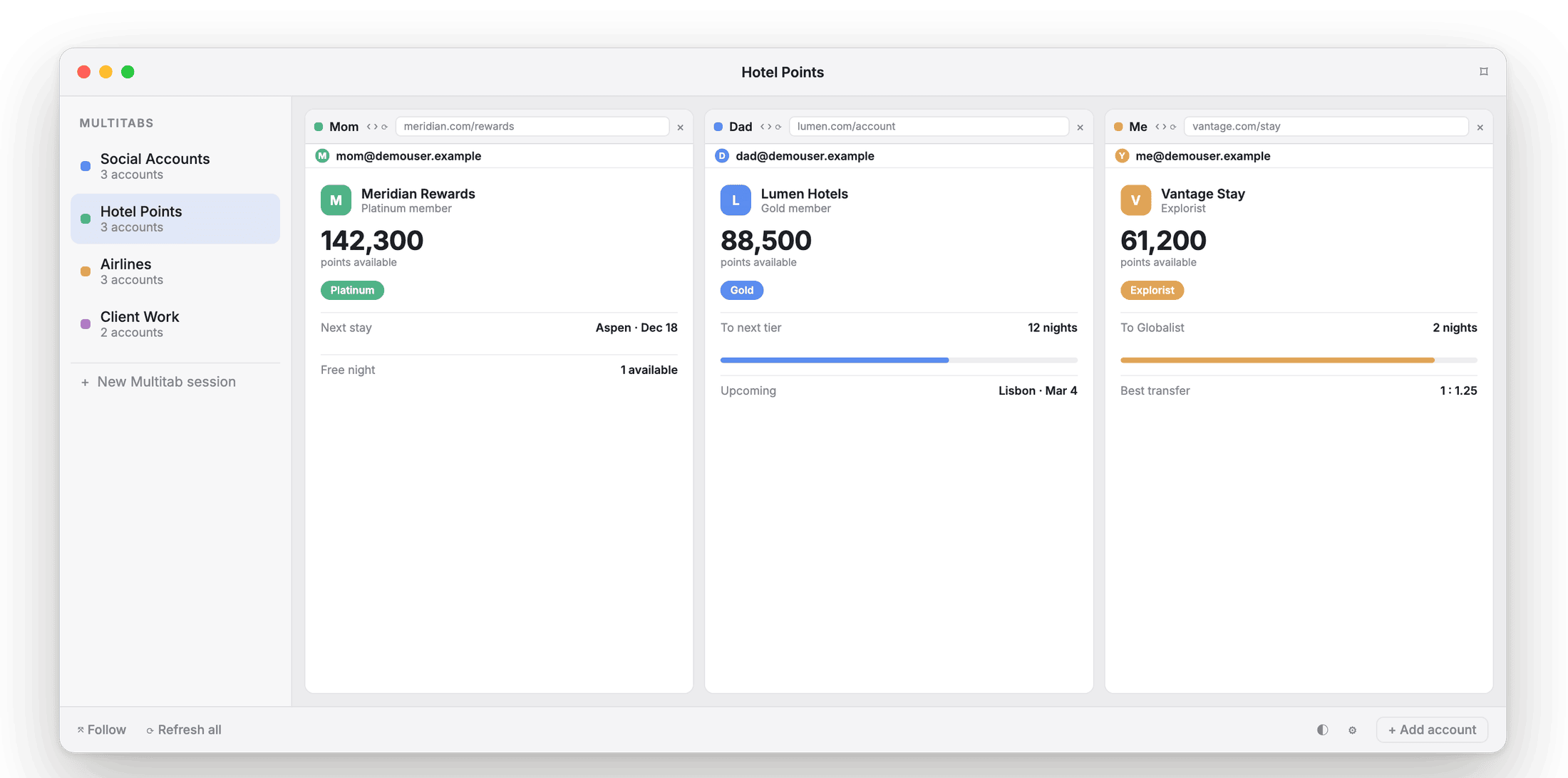
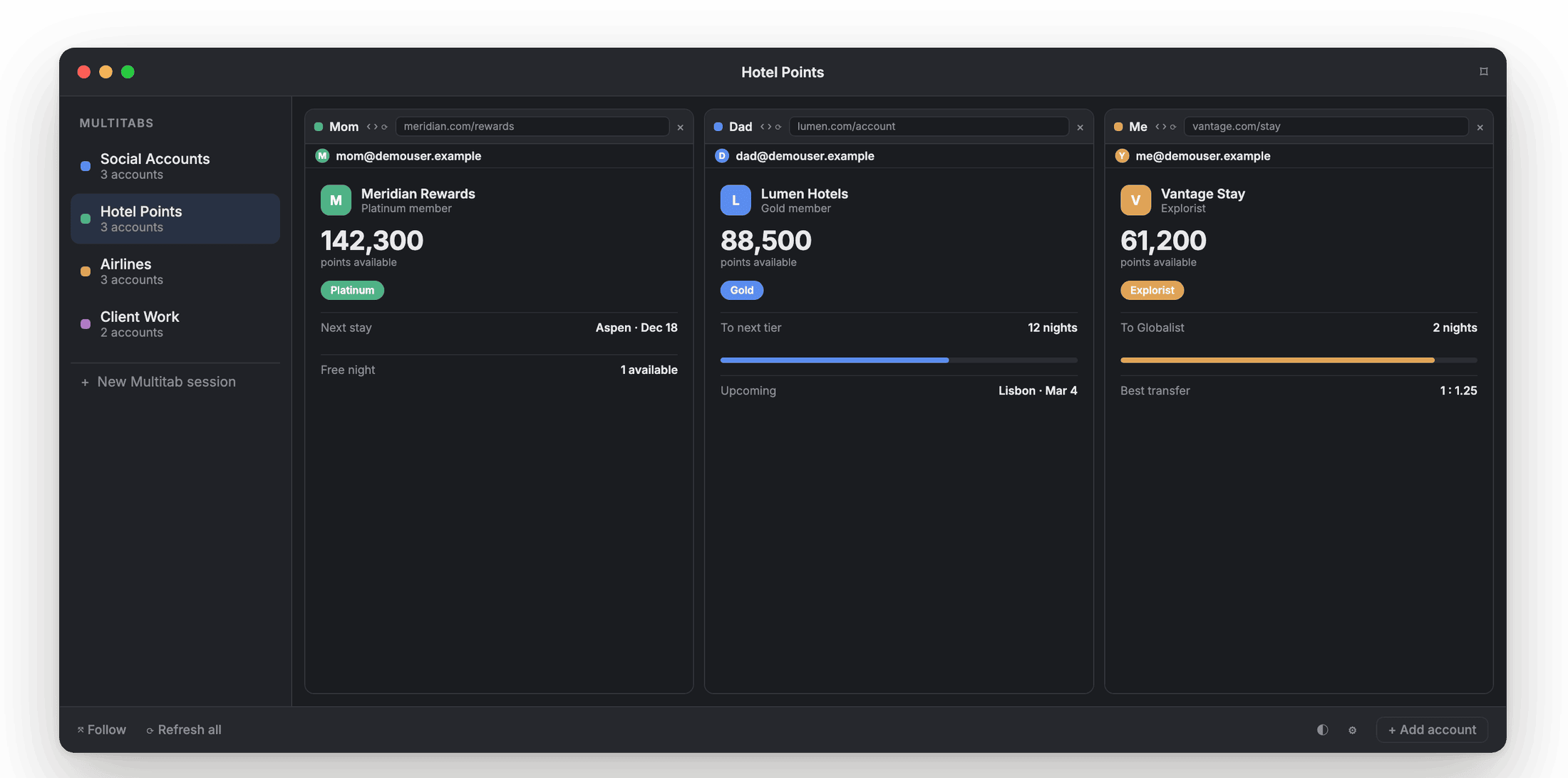
The same tile layout works for streaming logins as it does for hotel points: one tile per person, all signed in.
The whole family, side by side.
Streaming, kept separate
Your account and your kid's account, each its own tile. Nobody gets bumped to let someone else watch.
School logins
Each kid's school portal in its own tile, signed in, so checking one doesn't sign the other one out.
Family hotel and airline points
Everyone's loyalty account, side by side, before you book a family trip. See the points page →
Shared family email or shopping
A shared account and your own account of the same service, open together, without logging out of one to check the other.
Runs on your Mac. Nothing sent anywhere.
Each tile keeps its login in its own local container on your device. Logins never bleed across tiles, and nothing about a family member's account is sent to us. No proxies, no tricks: just separate, real, signed-in sessions living on the Mac in your house.
What families ask first.
Does everyone need their own Mac?
No. Atrium Browser runs on one Mac, and every household member's tile lives there, each signed in separately.
How many people can we fit for free?
Three accounts open at once, free, which covers most households out of the box. Up to six with a one-time $29 Pro purchase.
Will this work for any streaming service?
Yes. Point a tile at any site and sign in the way you normally would.
Is this a way to share a subscription past its limits?
No. Atrium Browser isolates logins that already exist; it does not get around a service's own account or device limits.
Everyone signed in. Nobody logged out.
A native Mac app for macOS 14 and later. Free for three accounts.
A notarized direct download for macOS 14 and later.